adsenservice
Related Articles



Artificial intelligence has become much easier to use than it was a few years ago. Today, anyone can open an AI tool, type a few words, and receive an answer, image, idea, summary, or other type of content. However, the quality of the result often depends on how clearly we communicate with the AI. This is where learning how to write your first AI prompt becomes important.
When I first started using AI tools, I noticed that simple instructions sometimes produced very general results. The more clearly I explained what I wanted, the more useful the response became. I learned that writing an AI prompt does not require complicated technical language. It is mainly about explaining your goal in a clear and organized way.
In this guide, I will explain how to write your first AI prompt, what makes a prompt effective, common mistakes to avoid, and some simple examples that beginners can use.
What Is an AI Prompt?
An AI prompt is simply the instruction or question you give to an artificial intelligence tool. It tells the AI what you want it to do.
For example, you could write:
“Write a short article about home gardening.”
That is an AI prompt. It gives the AI a task, but it does not provide much information about the result you want.
You could make it more specific by saying:
“Write a 500 word beginner friendly article about growing vegetables in a small home garden. Use simple language, include practical tips, and organize the article with clear headings.”
The second prompt gives the AI more direction. It explains the topic, length, audience, writing style, and structure.
Start With a Clear Goal
Before writing an AI prompt, I recommend deciding exactly what you want from the tool.
Ask yourself what the final result should accomplish. Do you want an article, email, list, explanation, image idea, social media caption, product description, or study guide?
Once your goal is clear, write it at the beginning of the prompt.
For example:
“Create a beginner friendly guide to learning photography.”
This is much better than simply writing:
“Photography.”
The first instruction gives the AI an actual task.
Tell the AI About Your Audience
One of the easiest ways to improve an AI prompt is to explain who will read or use the result.
For example, an article written for beginners should use simpler explanations than a technical article written for experienced professionals.
You can include phrases such as:
“Write for complete beginners.”
“Explain this to a high school student.”
“Use simple language for general readers.”
“Write for small business owners.”
This gives the AI an idea of the level and communication style you need.
Explain the Desired Tone
The tone of your prompt can influence the style of the final result.
If you are writing a blog article, you might want a friendly and conversational tone. For a business email, you may prefer a professional tone. For educational content, you might want a clear and informative style.
For example:
“Write in a friendly and natural tone that feels helpful rather than overly formal.”
This instruction can make a significant difference.
I personally prefer giving AI some information about the tone because it helps the final content feel closer to the way I want to communicate.
Give the AI Context
Context is one of the most useful parts of an AI prompt.
Imagine asking an AI tool:
“Write an introduction.”
The AI does not know what the introduction is for.
Instead, you could write:
“I am writing a blog article about beginner gardening. The article explains how new gardeners can prepare soil before planting vegetables. Write a friendly introduction that explains why healthy soil matters.”
Now the AI understands the situation.
The more relevant context you provide, the less guessing the AI has to do.
Be Specific About the Output
Another useful technique is telling the AI exactly what type of output you expect.
If you want a list, say that you want a list. If you want headings, mention headings. If you want a table, request a table.
For example:
“Give me 10 practical tips in a numbered list.”
Or:
“Create a blog outline with an introduction, five main sections, and a conclusion.”
This makes the output easier to use.
Add Important Requirements
When writing your first AI prompt, think about the requirements that matter most.
These might include:
Word count
Writing tone
Target audience
Formatting
Number of sections
Specific topics
Examples
Keywords
Level of detail
For example, instead of saying:
“Write about travel.”
You could say:
“Write a 1000 word beginner friendly article about planning a first international trip. Use clear headings, practical examples, simple language, and a friendly conversational tone.”
This gives the AI a much clearer assignment.
Use Natural Language
You do not need to speak like a computer when writing an AI prompt.
One common misconception is that prompts must contain complicated commands or special words. In reality, a clear natural language instruction can work very well.
Think of the AI as an assistant. Explain what you want as if you were giving instructions to a person who understands the subject but needs to know your specific requirements.
For example:
“I am creating a blog post for beginners. Please explain how to choose a travel backpack. Focus on size, comfort, material, storage, and durability.”
That is a perfectly useful prompt.
Break Large Tasks Into Steps
When a task is complicated, I find it easier to divide it into smaller steps.
Instead of asking the AI to research, organize, write, edit, and optimize a large project in one instruction, you can work through each stage separately.
For example, you could first ask:
“Create an outline for an article about improving home garden soil.”
Then ask:
“Expand section three and provide practical examples.”
Finally:
“Review this section for clarity and grammar.”
This approach gives you more control over the result.
Tell the AI What to Avoid
Sometimes it is helpful to explain what you do not want.
For example:
“Use simple language and avoid unnecessary technical terms.”
Or:
“Do not repeat the same idea in multiple sections.”
You can also specify formatting preferences:
“Do not use emojis.”
“Use short paragraphs.”
“Do not include unnecessary introductions.”
These instructions can help reduce unwanted content.
Use Examples in Your Prompt
Examples can make your instructions easier for AI to understand.
Suppose you want product descriptions written in a particular style. You could provide a short example of the style you like and then ask the AI to follow the same general approach.
For example:
“Write product descriptions in a simple, helpful style. Focus on practical benefits rather than exaggerated claims.”
If you have an existing piece of your own writing, you can also provide it as a reference when appropriate and ask the AI to match its general tone.
How to Write an AI Prompt for Images
AI image prompts work in a similar way, but visual details become more important.
Instead of simply writing:
“Create a garden.”
You could write:
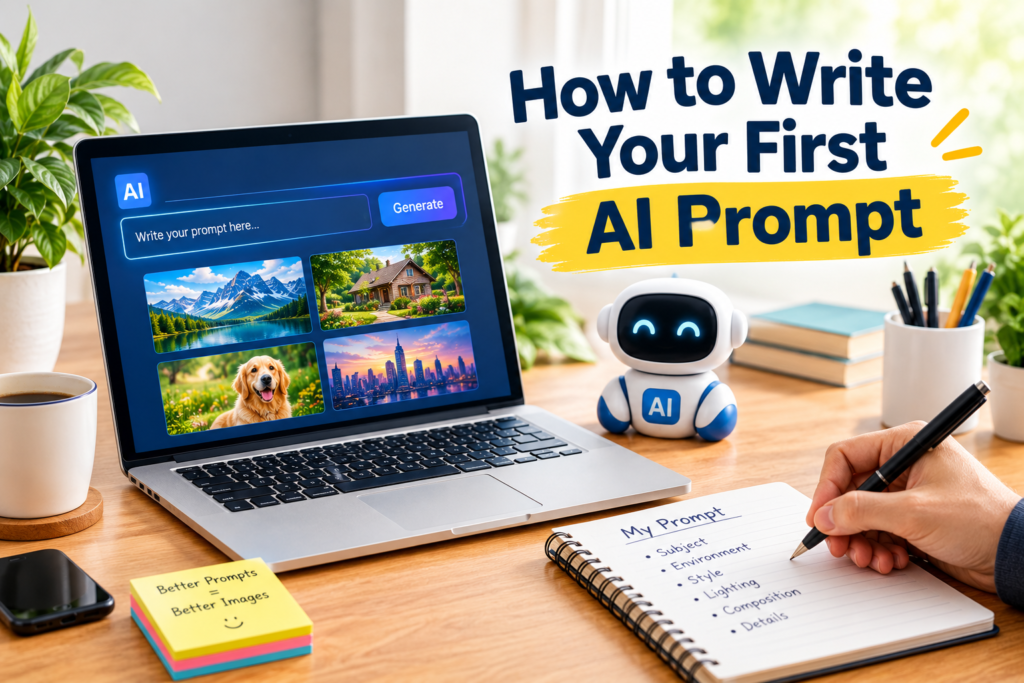
“Create a realistic home garden with healthy green vegetables, raised wooden garden beds, colorful flowers, natural morning sunlight, a clean stone pathway, and a peaceful backyard setting.”
You can also describe composition, lighting, perspective, colors, and visual style.
For a blog featured image, you might add:
“Use a clean professional composition suitable for a WordPress blog featured image.”
The goal is to describe the image clearly enough that the AI understands your visual idea.
Improve Your Prompt After Seeing the Result
Your first AI prompt does not need to be perfect.
In fact, I think experimentation is one of the best ways to learn prompt writing.
If the first result is too general, add more details. If it is too technical, ask for simpler language. If the structure is confusing, explain the structure you want.
For example, if you initially ask:
“Explain composting.”
And the answer is too advanced, you can follow up with:
“Rewrite this explanation for someone who has never composted before. Use simple examples and explain each step clearly.”
This process of refinement is a normal part of working with AI.
Common AI Prompt Mistakes
Beginners often make a few simple mistakes.
The first is being too vague. A prompt such as “Write something about technology” does not provide enough direction.
The second mistake is giving too many unrelated instructions. A prompt can become confusing when it contains dozens of requirements that do not clearly connect to the main task.
Another mistake is expecting the AI to understand information that was never provided. If the AI needs background information, include it in the prompt.
Finally, I recommend checking the result rather than assuming it is automatically correct. AI can produce inaccurate information, misunderstand instructions, or make assumptions.
A Simple AI Prompt Formula
If you are unsure how to write your first AI prompt, I recommend using this simple formula:
Task + Context + Audience + Style + Requirements + Output Format
For example:
“Write a 1000 word article about beginner home gardening. The audience is people who have never grown plants before. Use a friendly and natural tone. Explain soil preparation, watering, sunlight, and basic plant care. Use clear headings and practical examples.”
This prompt is simple, but it provides enough information to guide the AI effectively.
AI Prompt Examples for Beginners
Here are a few simple examples you can adapt.
For writing:
“Write a friendly introduction for a blog post about saving money on everyday expenses.”
For learning:
“Explain how photosynthesis works for a beginner using simple language and a practical example.”
For brainstorming:
“Give me 15 blog topic ideas about home gardening. Focus on practical questions beginners commonly have.”
For editing:
“Review this paragraph for grammar and clarity while keeping my original meaning and natural writing style.”
For images:
“Create a realistic modern home office with a laptop, notebook, coffee cup, small plant, and natural window light. Use a clean professional composition suitable for a blog featured image.”
These examples show that an effective AI prompt does not have to be complicated.
Keep Practicing
The best way to learn prompt writing is to use AI regularly and pay attention to the results.
Try writing the same request in two different ways and compare the answers. Notice which details improve the output. Over time, you will develop a better understanding of how AI responds to different instructions.
I also recommend keeping useful prompts that produce good results. You can later modify them for similar tasks instead of starting from zero every time.
Final Thoughts
Learning how to write your first AI prompt is much easier than it may seem. You do not need programming knowledge or complicated technical skills. You simply need to communicate your goal clearly.
Start by explaining what you want, add useful context, identify your audience, describe the tone, and provide important requirements. If the result is not what you expected, refine your prompt instead of giving up.
In my experience, better prompts usually come from better communication. The more clearly you explain your expectations, the easier it becomes for the AI to provide something useful.
The most important thing is to start practicing. Write a simple prompt, see what happens, identify what could be improved, and try again. With regular practice, you will become more comfortable writing AI prompts and will be able to get much more useful results from the AI tools you use every day.