adsenservice
Related Articles



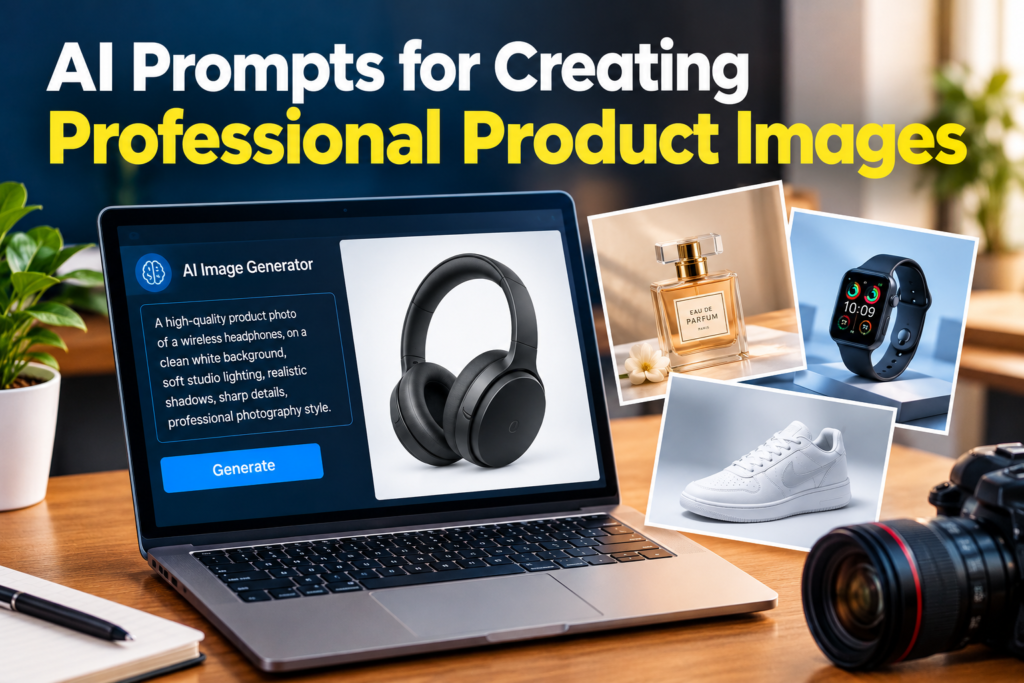
Creating professional product images used to require a proper camera, studio lighting, a good background, and sometimes an expensive photographer. Today, AI image generators have made the process much easier. With the right prompt, I can describe a product scene and generate a professional looking visual in a short amount of time.
However, there is an important thing I have learned while working with AI image generation. The tool is only as good as the instructions we give it. A simple prompt can produce a basic image, while a detailed and well structured prompt can create something that looks much closer to professional product photography.
In this article, I will share how I use AI prompts for creating professional product images, what details I include in my prompts, and some practical examples that you can use for your own projects.
What Are AI Prompts for Creating Professional Product Images?
AI prompts are written instructions that tell an AI image generator what kind of image you want. When creating product images, the prompt can describe the product, background, lighting, camera angle, composition, shadows, materials, and overall photography style.
For example, instead of writing:
“Create a picture of a watch.”
I would use a more detailed prompt:
“Create a professional product photograph of a modern black smartwatch placed on a clean white surface, soft studio lighting, realistic reflections, subtle shadow underneath the watch, sharp product details, minimal background and premium commercial photography.”
The second prompt gives the AI a much clearer idea of what I want.
Why Product Image Prompts Are Important
A product image is often the first thing a customer notices. Whether you are selling products through an online store, promoting something on social media, or writing a blog post, the image needs to look clean and professional.
In my opinion, one of the biggest advantages of AI product photography is flexibility. I can experiment with different backgrounds, lighting conditions, compositions, and environments without physically moving the product into different locations.
The prompt gives me control over the visual direction.
If I want a luxury appearance, I can describe a premium studio environment. If I want a simple ecommerce image, I can ask for a clean background. If I want a lifestyle photograph, I can place the product inside a realistic environment.
Start With a Clear Product Description
The first part of a good product prompt should clearly describe the product.
I usually mention the product type, color, material, shape, size, and important visual features.
For example:
“Professional product image of a matte black wireless headphone with soft leather ear cushions and a modern minimalist design.”
This is much better than simply saying “black headphones.”
The more important product characteristics you mention, the easier it is for the AI to understand what should appear in the image.
Describe the Background
The background can completely change the appearance of a product photograph.
For ecommerce images, I often prefer a simple white or light gray background because it keeps attention on the product.
For lifestyle images, I may describe an environment such as a modern office, bedroom, kitchen, cafe, or outdoor location.
For example:
“Wireless headphones placed on a clean wooden desk inside a modern home office, soft background blur, natural window light and minimal decorative elements.”
This creates a completely different result from a plain studio background.
Use Professional Lighting Instructions
Lighting is one of the most important parts of professional product photography.
When creating AI product images, I often mention soft studio lighting, natural window light, diffused lighting, subtle highlights, realistic shadows, and balanced exposure.
For example:
“Professional product photography with soft diffused studio lighting, gentle highlights on the product surface, realistic shadow underneath and balanced exposure.”
These details help create depth and make the product appear more realistic.
Without proper lighting instructions, an AI generated product image can sometimes look flat or overly artificial.
Add Camera Perspective
Another useful technique is telling the AI how you want the product to be viewed.
You can use descriptions such as front view, side view, three quarter view, close up, eye level view, top view, or slightly elevated angle.
For example:
“Three quarter view of a premium perfume bottle photographed at eye level with a softly blurred luxury background.”
The camera perspective can have a major effect on how the final product image looks.
For online stores, a straightforward front or three quarter view may work well. For promotional images, an unusual angle can create more visual interest.
Create Realistic Shadows
Shadows are an important detail that can make an AI product image feel more natural.
When an object is placed on a surface in real life, it normally creates a shadow. If the shadow is missing or does not match the lighting, the product can appear as if it is floating.
I often include phrases such as:
“soft natural shadow”
“subtle contact shadow”
“realistic shadow beneath the product”
“natural studio shadow”
For example:
“Luxury wristwatch placed on a polished surface with a subtle realistic contact shadow and soft studio lighting.”
Small details like this can improve the overall appearance considerably.
AI Prompts for Ecommerce Product Images
Ecommerce websites usually benefit from clean and simple product images. The goal is to show the product clearly without unnecessary distractions.
A useful prompt could be:
“Professional ecommerce product photograph of a white ceramic coffee mug, centered composition, clean white background, soft studio lighting, realistic surface texture, subtle natural shadow, sharp details and balanced exposure.”
This style works well when you want the product to be the main focus.
I recommend keeping the background simple when the purpose of the image is to clearly display the product.
AI Prompts for Luxury Product Images
Luxury products often need a more sophisticated visual style.
For products such as watches, perfumes, jewelry, cosmetics, and premium accessories, I like using elegant backgrounds, controlled lighting, reflections, and carefully positioned objects.
For example:
“Luxury product photograph of a glass perfume bottle placed on a polished marble surface, warm studio lighting, subtle golden reflections, elegant dark background, realistic glass texture, soft shadows and premium commercial photography.”
This type of prompt can create a more premium visual atmosphere.
AI Prompts for Lifestyle Product Images
Lifestyle product images show the product being used in a realistic environment.
For example, instead of showing a laptop on a plain background, you can place it on a desk inside a modern office.
A prompt could be:
“Realistic lifestyle photograph of a modern silver laptop placed on a wooden desk in a bright home office, natural morning light entering through a window, coffee cup beside the laptop, realistic shadows, soft background blur and professional photography.”
Lifestyle images can make a product feel more relatable because the viewer can imagine using it in a real situation.
Focus on Product Materials
Another technique I find useful is describing the material of the product.
Different materials react differently to light. Glass creates reflections, metal produces highlights, leather has texture, and fabric has visible fibers.
For example:
“Professional product photograph of a brown leather wallet, detailed natural leather texture, soft studio lighting, subtle highlights, realistic stitching and gentle shadow on a neutral surface.”
These material details can make the image more convincing.
Keep the Product Consistent
One challenge with AI generated product images is maintaining the exact appearance of a product.
If you are working with a real product, the AI may sometimes change small details such as buttons, logos, colors, proportions, or patterns.
For this reason, I believe it is important to use a reference image whenever the AI tool supports image references. The reference can help the system understand the actual product more accurately.
You should also describe important features clearly in the prompt.
For example:
“Maintain the exact shape, color, button placement and visible design features of the reference product.”
The exact capabilities depend on the AI image generator you are using, but the basic idea is to provide as much useful visual information as possible.
Avoid Overcomplicating Your Prompt
More words do not automatically mean a better image.
This is something I learned through experimentation. When a prompt contains too many conflicting instructions, the AI may struggle to understand the main goal.
I prefer to build my prompts around a simple structure:
Product + setting + composition + lighting + camera perspective + materials + realistic details.
For example:
“Professional product photograph of a black wireless speaker placed on a modern wooden table, minimalist indoor setting, three quarter camera angle, soft studio lighting, realistic material texture, subtle contact shadow and clean background.”
This provides enough information while keeping the prompt focused.
Test Different Versions
I do not usually stop after generating one image. AI image generation is often about testing different versions and improving the prompt.
If the background looks too busy, I simplify it.
If the product looks too dark, I change the lighting.
If the product appears too small, I adjust the composition.
If the image does not feel professional, I may add terms such as commercial product photography, realistic lighting, sharp details, clean composition, and premium presentation.
This process helps me understand what works best for a particular product.
Final Thoughts
AI prompts for creating professional product images can make product photography much more accessible. You do not always need an expensive studio setup to experiment with professional looking visuals. With a clear product description and the right instructions, AI image generators can help you create many different visual concepts.
From my experience, the most important parts of a product image prompt are the product description, background, lighting, camera perspective, composition, shadows, materials, and overall photography style.
The key is to be specific without making the prompt unnecessarily complicated. Start with the product, explain how you want it presented, add realistic lighting and camera details, and then generate different versions until you find a result that matches your idea.
Whether you are creating images for an ecommerce store, blog, social media page, advertisement, portfolio, or marketing project, learning how to write effective AI prompts can save time and give you more creative control.
With regular practice, you will start understanding which words and descriptions produce the results you want. That is when AI image generation becomes much more useful, because you are no longer simply asking an AI to create a picture. You are giving it a clear creative direction.