adsenservice
Related Articles
Artificial intelligence has changed the way we create and use images. A few years ago, creating a professional looking image usually required design skills, expensive software, and plenty of time. Today, AI image generators can turn a simple text description into a detailed picture within seconds.
I have found AI image tools especially useful when I need an image for a blog post, social media, presentation, advertisement, website, or creative project. The best part is that many tools are easy enough for beginners, while advanced users can also find features for editing, customization, and professional workflows.
In this article, I will discuss some of the best AI tools for creating images and explain what each tool can offer, who can use it, and what to consider before choosing one.
What Are AI Image Generators?
AI image generators are software tools that use artificial intelligence to create images based on instructions called prompts. You can describe what you want in normal language, and the AI attempts to produce an image matching your description.
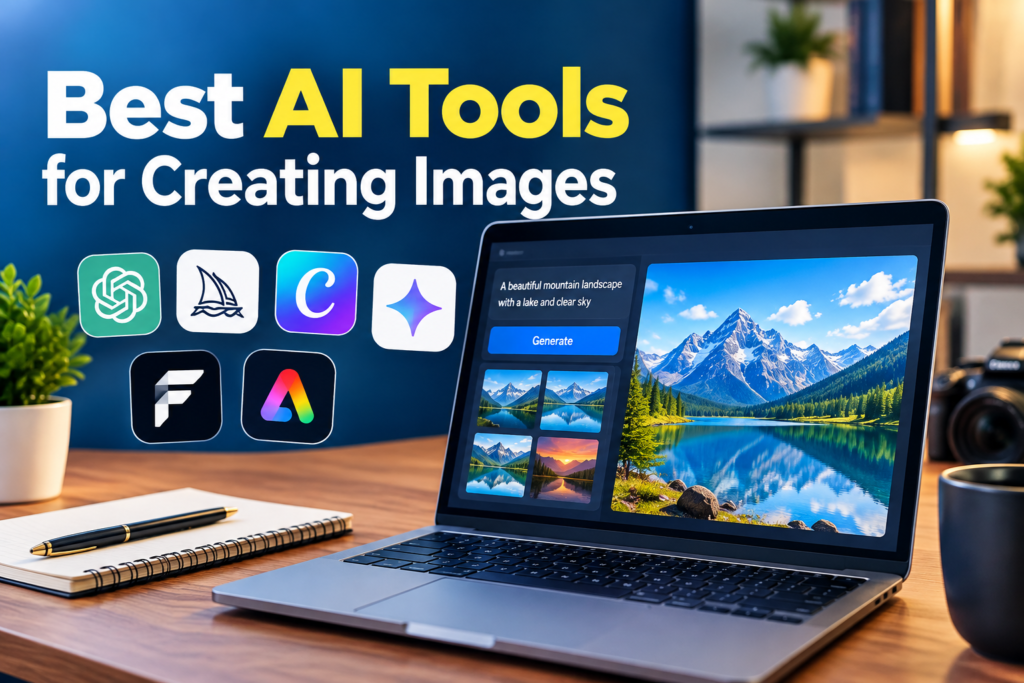
For example, you could write, “A peaceful mountain lake surrounded by green forests during sunrise,” and an AI image generator can create a completely new visual based on that idea.
Modern AI tools can create many different styles, including realistic photographs, digital artwork, illustrations, product images, concept art, and simple graphics.
1. ChatGPT for AI Image Creation
ChatGPT is one of the easiest options for people who want to create images while also working with an AI assistant. Instead of learning complicated design software, you can describe the image you need and refine the result through conversation.
One thing I like about this approach is the ability to explain the idea naturally. If the first result does not match what I had in mind, I can describe what needs to change.
ChatGPT can be useful for blog featured images, creative concepts, illustrations, educational visuals, and social media content. It is particularly convenient for people who already use ChatGPT for writing and research.
2. Midjourney
Midjourney is widely known for producing highly detailed and artistic AI images. It has become popular among designers, digital artists, photographers, and creators who want visually impressive results.
Midjourney is particularly interesting when the visual style is important. It can produce cinematic scenes, fantasy artwork, realistic environments, character concepts, and many other creative styles.
However, beginners may need some time to understand its workflow and prompting approach. Once you become familiar with it, there is a lot of creative control available.
For people interested in digital art and visually rich images, Midjourney is an important AI image generation tool to explore.
3. Adobe Firefly
Adobe Firefly is designed around Adobe’s creative ecosystem. It can generate images from text descriptions and provides additional creative features for editing and design.
I think Firefly can be especially useful for people who already work with Adobe products. Instead of moving between completely different platforms, users can combine AI features with familiar creative tools.
Firefly can help with tasks such as generating backgrounds, creating objects, changing visual elements, and experimenting with different design ideas.
It is also worth considering when commercial design workflows and integration with other Adobe applications are important.
4. Canva AI
Canva is already popular for creating social media graphics, presentations, posters, thumbnails, and other visual content. Its AI features make the platform even more useful for people who do not have advanced graphic design skills.
The main advantage of Canva is that image generation is part of a larger design environment. After creating an image, you can place it directly into a social media post, presentation, blog graphic, or marketing design.
For beginners, this can save a considerable amount of time. You do not have to generate an image in one application and then learn another application just to add text or arrange the design.
If your main goal is creating complete visual content rather than only generating standalone artwork, Canva is worth considering.
5. Microsoft Designer
Microsoft Designer is another useful option for AI assisted visual creation. It is designed to help users create graphics and images from simple descriptions.
The tool can be useful for social media posts, invitations, promotional graphics, banners, and other everyday design projects.
What I find useful about tools like Microsoft Designer is that they reduce the technical knowledge needed to begin designing. Instead of starting with a blank canvas, you can begin with an idea and let AI help create the visual direction.
It can be a practical choice for students, bloggers, small businesses, and everyday users.
6. Google Gemini
Google Gemini can also be used for AI image creation and creative visual tasks. Its conversational approach makes it possible to describe an idea and refine it through additional instructions.
For users already working within Google’s ecosystem, Gemini can be a convenient option. You can use natural language to develop ideas and experiment with different visual concepts.
As with other AI image generators, the final quality depends heavily on the prompt, the selected features, and the type of image you are trying to create.
7. Leonardo AI
Leonardo AI is another platform worth exploring if you want more control over generated images. It has features aimed at creators who want to experiment with different visual styles and creative workflows.
It can be useful for game concepts, characters, environments, illustrations, product concepts, and digital artwork.
One reason creators may prefer specialized platforms like Leonardo AI is the additional control they can provide compared with very simple text to image tools.
If you want to experiment beyond basic image generation, Leonardo AI can be an interesting choice.
How to Choose the Right AI Image Tool
Choosing the best AI image generator depends on what you actually need. There is no single tool that is perfect for every person.
If you want a simple conversational experience, ChatGPT can be convenient. If artistic image quality is your main priority, you may want to explore Midjourney. For professional creative workflows, Adobe Firefly can make sense. Canva is useful when you need to turn generated images into complete designs.
Before choosing a tool, I recommend checking several things.
First, consider the quality of the generated images. Different platforms can produce noticeably different results from the same prompt.
Second, look at editing features. Generating an image is only one part of the creative process. You may also want to remove objects, change backgrounds, adjust composition, or create variations.
Third, check the pricing structure. Many AI image generators offer free access with limitations, while advanced features may require a paid plan.
Fourth, consider usage rights. If you plan to use AI generated images for business, advertising, or other commercial purposes, always read the current terms and licensing information of the platform you choose.
How to Write Better AI Image Prompts
The quality of an AI generated image often depends on how clearly you describe your idea.
Instead of writing something very general like “a beautiful garden,” provide more useful details. You could describe the setting, lighting, subject, mood, composition, and visual style.
For example, you could write:
“Create a realistic home garden with colorful flowers, green plants, a small stone pathway, warm morning sunlight, natural colors, and a clean professional photography style.”
The more clearly you communicate the important elements, the easier it is for the AI to understand what you want.
I also recommend changing one or two details at a time when refining an image. If you change everything at once, it can become difficult to understand which instruction improved or weakened the result.
AI Images for Blogs and Websites
AI image generators can be very useful for bloggers and website owners. A good featured image can make an article look more professional and can help create a consistent visual identity.
For example, a technology website might use AI to create images showing laptops, smartphones, software interfaces, or futuristic digital environments. A gardening website could generate images of gardens, plants, soil, tools, and outdoor spaces.
However, I would avoid adding too much text directly to an AI generated image. AI generated text can sometimes contain spelling or layout problems. For blog featured images, I usually prefer a clean visual with a simple title when text is actually needed.
Important Things to Remember
AI image generation is powerful, but it is not perfect. Sometimes an image may contain strange details, unrealistic objects, or inaccurate human features.
You should always inspect an image carefully before publishing it. This is especially important for images showing hands, products, text, logos, technical equipment, or people.
You should also avoid creating misleading images that could cause readers to believe something happened when it did not. For websites and publishers, accuracy and transparency are important.
Another important point is originality. AI can help generate new visuals, but users should still understand the terms of the platform they are using and make sure their intended use follows the applicable rules.
Final Thoughts
AI image generators have made visual creation much easier. You no longer need to be an expert designer to turn an idea into an attractive image.
From ChatGPT and Midjourney to Adobe Firefly, Canva, Microsoft Designer, Google Gemini, and Leonardo AI, there are many options available for different types of users.
In my view, the best AI image tool is the one that fits your particular workflow. A blogger may need simple and quick featured images, while a designer may want advanced controls and editing options. Someone creating social media content may care more about templates and design features.
The best approach is to try a few tools, experiment with different prompts, and compare the results for your own projects. As AI image technology continues to develop, these tools are likely to become even more useful for bloggers, designers, marketers, students, businesses, and everyday creators.