adsenservice
Related Articles



Running a business means handling many different responsibilities every day. Some tasks require creativity, experience, and personal attention, while others are repeated again and again. Sending routine emails, organizing information, creating reports, scheduling appointments, updating spreadsheets, managing customer inquiries, and moving data between different apps can take a surprising amount of time.
From my point of view, repetitive business tasks are some of the easiest activities to improve with the right tools. When a task follows the same process regularly, there is often an opportunity to simplify it or automate part of it. This can save time and allow business owners and employees to focus on more valuable work.
In this article, I will discuss some of the best tools for managing repetitive business tasks, what each type of tool can do, and how to choose the right solution for your business.
Why Manage Repetitive Business Tasks?
Repetitive tasks may look small individually, but they can consume many hours over a week or month.
For example, imagine that a business employee spends only fifteen minutes each day copying information between applications. That may not seem like much. Over several weeks, however, those small periods can add up to several hours.
Repetitive work can also increase the possibility of human error. When someone performs the same process hundreds of times, it becomes easier to miss a step or enter incorrect information.
Business automation tools can help reduce this unnecessary workload.
The goal is not to automate everything. Some tasks need human judgment. Instead, I believe businesses should look for repetitive processes where automation can make everyday work simpler and more consistent.
1. Zapier
Zapier is one of the most recognizable tools for connecting different business applications.
It allows users to create automated workflows between supported apps. For example, a new form submission could trigger an action in another application. A new customer record could also start a follow up process.
The main advantage is that you can connect services without necessarily building a custom software system.
Zapier can be useful for businesses that regularly move information between different applications.
It is particularly helpful when you have several online tools and want them to work together with less manual effort.
2. Microsoft Power Automate
Microsoft Power Automate is another useful option, especially for businesses that already rely heavily on Microsoft products.
It can help automate workflows involving services such as Microsoft 365 and other connected applications.
For example, a business might create a workflow that organizes incoming information, sends notifications, updates records, or starts approval processes.
One thing I like about this type of automation is that it can bring structure to routine office processes.
Instead of asking employees to remember every step, a workflow can handle certain actions automatically while leaving important decisions to people.
3. Make
Make provides a visual approach to workflow automation.
Its interface can help users understand how information moves from one application or process to another. This can be useful when a workflow involves multiple steps.
For example, you could create a process where information arrives through a form, gets organized, triggers a notification, and is then stored in another system.
Make can be particularly useful for people who want more control over the structure of their automated workflows.
Before building a complicated automation, however, I recommend mapping the process on paper first. This makes it easier to understand which steps actually need automation.
4. Trello
Trello is primarily a project management tool, but it can also help manage repetitive business processes.
Trello uses boards, lists, and cards to organize work. Businesses can create repeatable workflows for tasks such as content production, customer onboarding, internal requests, or marketing activities.
For example, a business might create a standard process where a task moves from an idea stage to review, completion, and final approval.
This type of structure makes recurring work easier to follow.
Trello can also reduce the need for employees to repeatedly ask what should happen next because the workflow itself provides a visual guide.
5. Asana
Asana is another popular tool for organizing business tasks and workflows.
It can be useful when repetitive work involves multiple people and deadlines.
Businesses can create recurring tasks, assign responsibilities, establish due dates, and organize projects.
I find recurring task features particularly useful because they can prevent routine responsibilities from being forgotten.
For example, a company may have weekly reporting, monthly reviews, or regular administrative activities. Creating repeatable tasks can make these responsibilities easier to manage.
6. Notion
Notion can be used to organize information, create databases, document procedures, and manage business workflows.
One of its biggest advantages is flexibility.
A small business can use Notion to create a central workspace for standard operating procedures, project information, customer notes, content calendars, or internal documentation.
For repetitive tasks, having clear instructions in one place can be extremely helpful.
Instead of explaining the same process to employees repeatedly, a business can create a simple procedure that employees can follow.
7. Google Workspace
Google Workspace includes several tools that can help businesses manage routine work.
Google Sheets can organize and calculate information, while Google Forms can collect structured responses. Gmail can handle routine communication, and Google Calendar can help manage appointments and schedules.
The real benefit comes from using these tools together.
For example, a business could collect information through a form and organize the responses in a spreadsheet.
Simple systems like this can eliminate unnecessary manual data entry.
For many small businesses, using the tools they already have effectively can be a better starting point than immediately purchasing specialized automation software.
8. Calendly
Calendly can help reduce repetitive scheduling communication.
Without a scheduling system, arranging a meeting may involve several messages about available dates and times.
A scheduling tool can allow customers or clients to view available times and select an appropriate appointment.
This can save time for businesses that regularly arrange consultations, meetings, demonstrations, or appointments.
It also gives the customer a more straightforward way to schedule a meeting.
9. HubSpot
HubSpot provides tools for managing customer relationships, marketing, sales, and related business processes.
CRM software can be especially useful for repetitive customer management tasks.
For example, businesses can organize customer information, track interactions, manage leads, and create structured follow up processes.
Having customer information organized in one system can reduce the amount of time employees spend searching through emails, spreadsheets, and separate notes.
10. QuickBooks
QuickBooks can help businesses manage recurring financial and accounting activities.
Depending on the features and setup available, businesses can use accounting software to organize transactions, invoices, expenses, and financial records.
Financial administration is an area where consistency matters. Keeping records organized throughout the year is generally easier than trying to reconstruct everything later.
However, businesses should still review financial information carefully and use qualified professional advice when accounting or tax matters require it.
How to Choose the Right Business Automation Tool
Choosing a tool should start with the problem rather than the software.
First, make a list of repetitive tasks that consume significant time.
Then ask yourself:
How often does this task happen?
How long does it take?
Does the process follow predictable steps?
Does it involve multiple applications?
Could automation create errors if something goes wrong?
Does the task require human judgment?
These questions can help you decide whether automation is appropriate.
I would also recommend starting small. Choose one repetitive task and improve that process before attempting to automate an entire department.
Avoid Automating a Bad Process
One important lesson I have learned is that automation does not automatically fix a poorly designed process.
If a business process is confusing, automating it may simply make the confusion happen faster.
Before using an automation tool, write down every step of the existing process.
Remove unnecessary steps where possible.
Then identify which steps are repetitive and predictable.
Only after that should you decide which parts should be automated.
This approach can make automation much more effective.
Keep Human Oversight
Automation can save time, but it should not remove human oversight from important business decisions.
Customer communication, financial decisions, sensitive information, and other important activities may require careful review.
A good automated workflow should make work easier while still allowing people to check important results.
I prefer thinking of automation as an assistant rather than a complete replacement for human involvement.
Final Thoughts
The best tools for managing repetitive business tasks depend on the size of your business, the applications you already use, and the type of work you need to simplify.
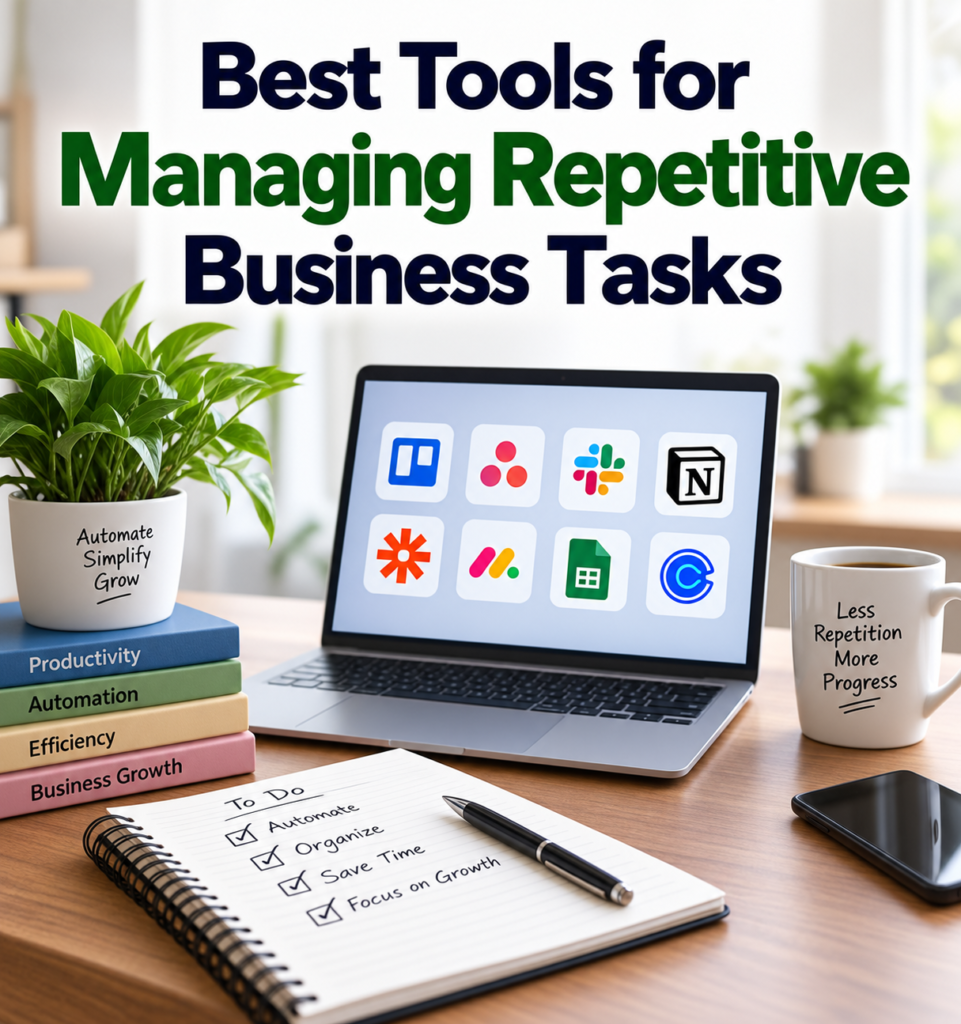
Tools such as Zapier, Microsoft Power Automate, Make, Trello, Asana, Notion, Google Workspace, Calendly, HubSpot, and QuickBooks can all help businesses organize or automate different types of repetitive work.
The important thing is not to choose a tool simply because it is popular. Start by identifying the repetitive tasks that consume your time and then look for a tool that solves that specific problem.
In my opinion, the best approach is to start with one small process, test the results, and improve it gradually. Once you see how much time a simple workflow can save, you can decide whether other parts of your business could benefit from similar improvements.
Used thoughtfully, business automation tools can reduce repetitive work, improve organization, and give you more time to focus on the activities that actually move your business forward.