adsenservice
Related Articles



Artificial intelligence has become a useful part of everyday life. Whether I am writing content, creating images, researching a topic, learning something new, preparing business documents, or improving productivity, there are now many AI tools available for almost every task. The problem is that having too many options can make it difficult to decide which tool is actually right for a particular job.
In my experience, comparing AI tools should not be about choosing the tool that is most popular. Different AI tools are designed for different purposes, and a tool that works extremely well for one task may not be the right choice for another. This is why I believe it is important to compare AI tools based on features, performance, pricing, ease of use, reliability, and the specific results they can provide.
Understand What You Need From an AI Tool
Before comparing different AI tools, the first thing I consider is what I actually want to accomplish. This step can save a lot of time because every AI tool has its own strengths.
For example, if I need help with writing articles, I would focus on AI writing tools and general purpose AI assistants. If my goal is to create images, I would look at AI image generators. For coding, I would compare AI coding assistants. If I need research support, I would pay more attention to tools that can work with web information and sources.
This means there is no single AI tool that is perfect for everyone. The right choice depends on the user’s requirements.
Compare AI Tool Features
Features are one of the first things I look at when comparing AI tools. Some tools offer basic text generation, while others provide additional capabilities such as image generation, file analysis, web research, voice interaction, coding assistance, and data analysis.
I recommend making a simple list of the features that are important for your work. Then compare each AI tool against that list.
For example, if I regularly work with PDF files, I would check whether an AI tool can upload and understand documents. If I create visual content, I would check whether it includes image generation. If I work with spreadsheets, I would look for data analysis capabilities.
A long list of features does not automatically mean that an AI tool is better for your needs. What matters most is whether those features are useful to you.
Compare AI Performance
Performance is another important factor when comparing AI tools. Two tools may offer similar features but produce noticeably different results.
When I compare AI tools, I like to give them the same prompt and then examine the results. This creates a more useful comparison than simply reading a list of features.
For example, I might ask several AI writing tools to create the same introduction for an article. Then I can compare the quality, accuracy, structure, tone, and usefulness of their responses.
The same approach can be used for coding, research, summarization, translation, and other tasks. Testing AI tools with real tasks gives a much better understanding of how they perform in everyday situations.
Check Accuracy and Reliability
AI tools can sometimes produce incorrect information, so accuracy should always be considered. This is especially important when using AI for research, education, business, finance, technical information, or other areas where incorrect information can cause problems.
When comparing AI tools, I check whether the tool provides sources when appropriate and whether its answers can be verified. I also avoid assuming that a confident sounding answer is automatically correct.
For important information, I prefer to verify facts using reliable sources. An AI tool should be treated as an assistant rather than an unquestionable authority.
Compare AI Tool Pricing
Pricing is another major part of comparing AI tools. Many AI platforms offer free plans, while advanced features may require a monthly or yearly subscription.
Before paying for an AI tool, I recommend checking exactly what is included in each plan. A cheaper plan may be enough for someone who only needs occasional AI assistance. A professional user may need higher limits, advanced features, better access, or additional integrations.
I also think it is important to calculate the actual value of an AI subscription. If an AI tool saves several hours every week, its cost may be easier to justify. On the other hand, paying for several AI subscriptions that provide similar features may not be necessary.
Look at Ease of Use
An AI tool can have impressive technology and still be frustrating if it is difficult to use. For this reason, ease of use is something I always consider.
A clean interface, simple navigation, useful settings, and clear instructions can make a significant difference. Beginners may prefer an AI tool that works with simple prompts, while advanced users may want more control over settings and workflows.
I also look at how quickly I can get a useful result. If I have to spend too much time learning the platform before completing a simple task, another tool may fit my workflow better.
Consider Speed and Availability
Speed can also influence the overall experience. When I use AI for regular work, waiting too long for simple responses can become inconvenient.
However, speed should be considered together with quality. A very fast response is not particularly useful if it contains errors or does not properly understand the task.
It is also worth checking whether the AI tool has usage limits. Some free AI tools may restrict the number of requests, file uploads, image generations, or advanced features available to users.
Check Privacy and Data Policies
Privacy is an important consideration that is sometimes overlooked when people compare AI tools.
Before uploading personal, confidential, or business information, I recommend checking the provider’s privacy policy and understanding how submitted information is handled. Businesses should pay particular attention to data protection, account controls, administrative features, and policies relating to business information.
I avoid putting sensitive information into an AI tool unless I understand how that information is treated. Convenience should not come at the cost of unnecessary privacy risks.
Compare Integrations
Integrations can make an AI tool much more useful. Some AI platforms can connect with productivity applications, cloud storage, communication platforms, coding environments, or other software.
For example, an AI assistant that works directly inside a document editor may be more convenient than copying information between different applications.
When comparing AI tools, I therefore look at how well each option fits into my existing workflow. The best tool is often the one that reduces unnecessary steps rather than simply producing the most impressive demonstration.
Test AI Tools With Real Work
One of the best ways to compare different AI tools is to test them with your own work.
Instead of relying completely on online reviews, I suggest preparing three to five tasks that you regularly perform. Use the same tasks with each AI tool and compare the results.
For example, a content creator could test article outlines, introductions, editing, SEO ideas, and social media captions. A student could test explanations, summaries, study questions, and research assistance. A developer could test code generation, debugging, documentation, and code explanations.
This method gives a realistic idea of which tool fits your needs.
Look Beyond Marketing Claims
AI companies naturally highlight the strengths of their products. However, marketing pages do not always tell the complete story.
When comparing AI tools, I prefer to look at actual usage, independent testing, user experiences, pricing details, feature limitations, and my own results.
It is also important to remember that AI technology changes quickly. A tool that performs differently today may receive a major update tomorrow. Therefore, comparisons should be based on current versions and actual requirements.
Create a Simple Comparison Table
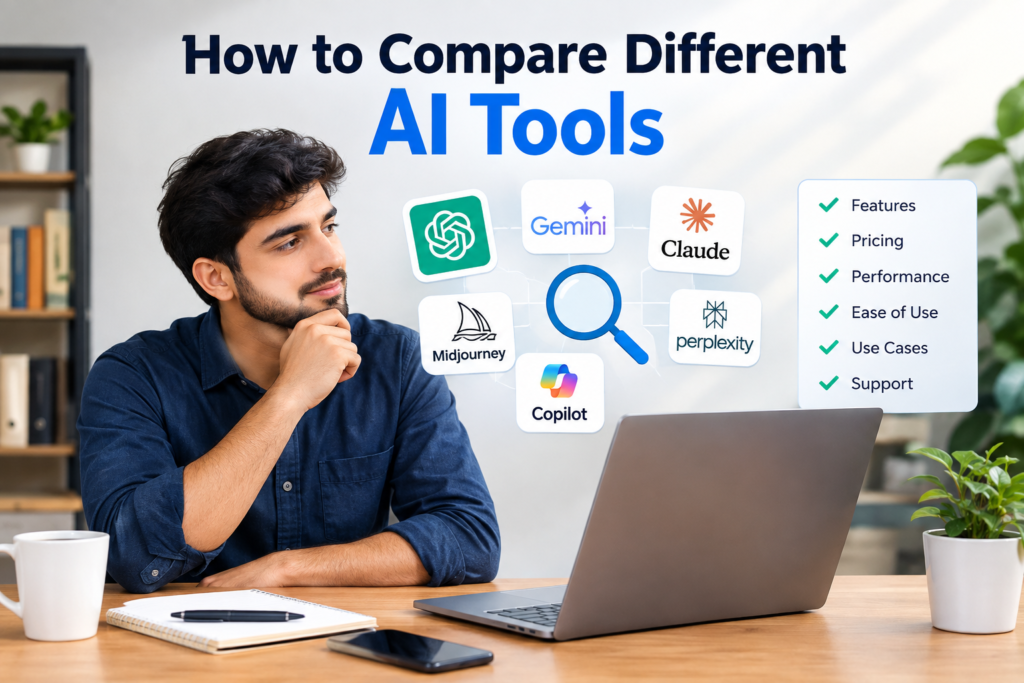
A comparison table can make the decision much easier. I usually recommend comparing important factors such as features, performance, pricing, ease of use, speed, privacy, integrations, and customer support.
For example, I might give each tool a simple note such as strong, suitable, limited, or not available for each requirement. This is more useful than trying to declare one AI tool the best overall.
The goal is to identify which tool matches a particular purpose.
Final Thoughts
Comparing different AI tools does not have to be complicated. The most practical approach is to start with your own needs and then examine features, performance, accuracy, pricing, ease of use, speed, privacy, integrations, and reliability.
From my point of view, the most important thing is not finding the AI tool with the biggest feature list. It is finding the tool that actually helps me complete my work more effectively.
I also believe that people should not be afraid to test multiple AI tools. Many platforms offer free versions or trials, making it possible to compare their results before spending money.
AI is developing very quickly, so there may not be one permanent choice for every task. The better approach is to understand what each AI tool does well, test it with real requirements, and choose the option that fits your workflow, budget, and goals.
By following this approach, comparing AI tools becomes less about hype and more about practical value. Whether you are a student, writer, business owner, developer, creator, or everyday internet user, a thoughtful AI tool comparison can help you save time, improve productivity, and make more informed technology decisions.