adsenservice
Related Articles



Artificial intelligence has become a useful part of the way many people work, write, research, and create content. I have found that one of the biggest advantages of using AI is not just getting a good answer once, but being able to repeat a successful process whenever I need it.
This is where reusable AI prompt templates become extremely useful.
Instead of writing a completely new prompt every time, you can create a basic prompt structure and change only the information that is different. This can save time, keep your results consistent, and make your AI workflow much easier to manage.
In this guide, I will explain how to create reusable AI prompt templates, what information to include, how to organize them, and how to improve them over time.
What Is a Reusable AI Prompt Template?
A reusable AI prompt template is a prompt that has a fixed structure but includes areas that can be changed depending on the task.
For example, instead of writing a new writing prompt every time, you could create a template like this:
“Write a detailed article about [TOPIC]. Use a helpful and natural tone. Explain the main points clearly and provide practical examples. The target audience is [AUDIENCE]. The main keyword is [KEYWORD].”
Whenever you need another article, you simply replace [TOPIC], [AUDIENCE], and [KEYWORD].
This simple approach turns one successful prompt into a tool that can be used again and again.
Why AI Prompt Templates Are Useful
The main reason I like reusable AI prompt templates is that they reduce repetitive work.
If you perform similar tasks regularly, writing the same instructions again can become frustrating. A template allows you to save the instructions once and reuse them whenever necessary.
Templates can also improve consistency. When the same basic instructions are used for different tasks, the output is more likely to follow a similar structure and style.
They are useful for bloggers, students, marketers, business owners, designers, social media creators, and anyone who uses AI regularly.
Start With a Specific Task
The first step in creating an effective AI prompt template is deciding exactly what task you want the template to perform.
Do not try to create one template that does everything.
For example, you could create separate templates for:
Blog writing
Social media posts
Product descriptions
Email writing
Content ideas
Research summaries
AI image prompts
Video ideas
Study notes
Brainstorming
A focused template is easier to improve and usually produces more consistent results.
Separate Fixed Information From Flexible Information
This is one of the most important parts of creating reusable AI prompt templates.
Some instructions will stay the same every time. Other information will change depending on the task.
For example:
“Write a helpful article in a natural tone and explain the topic clearly.”
This could be fixed information.
“Write about [TOPIC].”
This is flexible information.
I recommend identifying these two types of information before building your template. This makes the template easier to use and reduces confusion.
Use Clear Placeholders
Placeholders make reusable prompts much easier to understand.
You can use labels such as:
[TOPIC]
[AUDIENCE]
[KEYWORD]
[TONE]
[WORD COUNT]
[STYLE]
[PRODUCT]
[LOCATION]
[GOAL]
For example:
“Write a [WORD COUNT] word article about [TOPIC] for [AUDIENCE]. Use a [TONE] tone and naturally include the keyword [KEYWORD].”
When you use the template later, you know exactly which parts need to be replaced.
Build Your Template Step by Step
I prefer creating a prompt template in sections rather than trying to write everything at once.
Start by telling the AI what role or task it should perform.
Then explain the main objective.
After that, provide important background information.
Next, describe the desired output.
Finally, add any rules or limitations that matter.
For example:
“Create a product description for [PRODUCT]. The target audience is [AUDIENCE]. Explain the main features and practical benefits. Use a clear and friendly tone. Keep the description around [WORD COUNT] words.”
This structure is simple enough to reuse while still providing useful instructions.
Create a Reusable AI Writing Prompt
If you regularly create blog content, a reusable AI writing prompt can save a considerable amount of time.
A basic structure could include the topic, target audience, keyword, tone, length, structure, and purpose.
For example:
“Write a detailed article about [TOPIC]. The target audience is [AUDIENCE]. The primary keyword is [KEYWORD]. Use a natural and informative tone. Explain the topic clearly with useful headings and practical examples. Keep the content around [WORD COUNT] words. Avoid unnecessary repetition and focus on providing useful information.”
You can modify this template for almost any topic.
Create a Reusable AI Image Prompt Template
Reusable AI prompt templates are also very useful for image generation.
If you regularly create images for blog posts, you can create a template with fixed visual instructions.
For example:
“Create a realistic [SUBJECT] in [ENVIRONMENT]. Include [IMPORTANT DETAILS]. Use [LIGHTING] and [COLOR STYLE]. The image should have a [MOOD] atmosphere with a [COMPOSITION] layout. Create a clean professional visual suitable for a website featured image.”
Now you can replace the subject, environment, details, lighting, and other variables without rewriting the entire prompt.
This is particularly useful when you need multiple images that have a similar visual style.
Add Output Instructions
A good AI prompt template should explain what you want the final answer to look like.
For example, you can specify whether you want:
Headings
Bullet points
Short paragraphs
A table
Step by step instructions
Examples
A summary
Frequently asked questions
The more important the output structure is, the more clearly you should explain it.
For example:
“Present the answer using clear headings and short paragraphs. Include practical examples and finish with a concise summary.”
This instruction can remain in your template for future tasks.
Avoid Making Templates Too Complicated
One mistake I see when creating reusable AI prompts is trying to include every possible instruction.
A template does not need to be extremely long to be effective.
If the prompt contains too many rules, it can become difficult to understand and maintain. Some instructions may also conflict with each other.
I prefer keeping the main template focused on instructions that actually affect the result.
You can always add more information when a particular project requires it.
Test Your Template
Creating a template is only the beginning. You should test it with several different examples.
For example, if you create a blog writing template, try it with a technology topic, a travel topic, and a gardening topic.
Look at the results and ask yourself:
Does the structure remain consistent?
Does the AI understand the placeholders?
Are the instructions clear?
Is anything missing?
Is there unnecessary information?
Testing helps you discover problems that may not be obvious when you first create the template.
Improve Your Templates Over Time
I believe a reusable AI prompt should be treated as something that can improve.
If you notice that the AI repeatedly makes the same mistake, update the template.
For example, if the generated articles are too repetitive, add an instruction asking for natural variation.
If image backgrounds are usually too busy, add a requirement for a clean background.
If answers are too long, specify a suitable length.
Small improvements can make a reusable prompt much more useful over time.
Keep Your Templates Organized
Once you start creating multiple reusable AI prompt templates, organization becomes important.
You can organize them into categories such as:
Writing templates
Image templates
Marketing templates
Research templates
Business templates
Social media templates
Education templates
You can keep your templates in a document, notes application, spreadsheet, or another system that is easy for you to access.
I recommend giving every template a simple name that immediately tells you what it does.
For example:
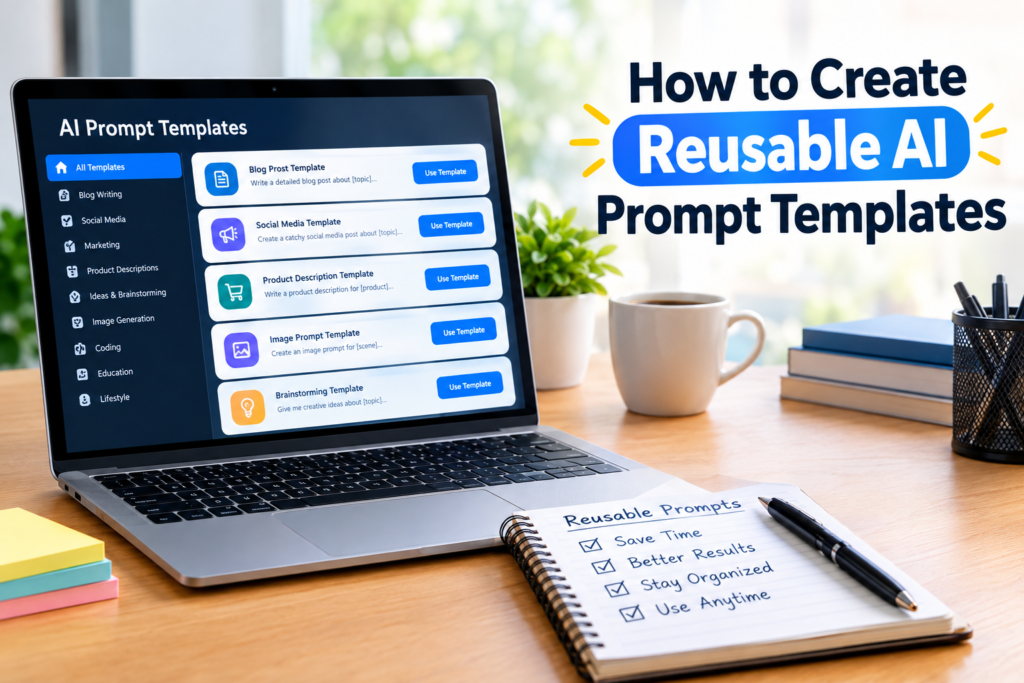
Blog Article Template
Product Description Template
AI Image Template
Social Media Caption Template
Email Rewrite Template
This makes finding the right prompt much faster.
Create Different Versions When Necessary
Sometimes one template is not enough.
For example, you might have a general blog article template and another template specifically designed for product reviews.
Both can share some instructions, but each one can have different requirements.
Creating specialized templates can make your workflow more efficient because you do not need to modify a general prompt every time you perform a specific task.
Use Examples Inside Your Template
Examples can help explain what you expect from the AI.
For example, if you want short and simple headings, you could include a sample heading structure.
If you want a particular writing style, you can describe it clearly.
Examples are especially useful when the desired output is difficult to explain using instructions alone.
However, I recommend keeping examples relevant. An unnecessary example can make a prompt longer without improving the result.
Keep Your Prompts Easy to Edit
A reusable AI prompt template should be easy to modify.
Use clear placeholders and separate different instructions into readable sections.
For example:
Topic: [TOPIC]
Audience: [AUDIENCE]
Tone: [TONE]
Keyword: [KEYWORD]
Length: [WORD COUNT]
Goal: [GOAL]
This format makes it obvious what needs to be changed before sending the prompt to the AI.
Common Mistakes to Avoid
There are several mistakes that can reduce the usefulness of reusable AI prompt templates.
The first is using unclear placeholders.
The second is including contradictory instructions.
The third is making the template unnecessarily long.
The fourth is forgetting to define the desired output.
Another mistake is never testing the template after creating it.
Finally, do not assume that a template will always produce exactly the same quality. AI output can vary, so reviewing and improving the prompt remains important.
Final Thoughts
Learning how to create reusable AI prompt templates can make your AI workflow much more efficient. Instead of starting from a blank page every time, you can build a collection of proven prompts that are ready to use.
Start with one task that you perform regularly. Identify which instructions should remain fixed and which information needs to change. Add clear placeholders, define the desired output, and test the template with different examples.
As you use it, pay attention to the results and make improvements where necessary.
In my view, the real value of reusable AI prompt templates comes from turning a successful prompt into a repeatable process. Once you have a well organized collection of templates, you can spend less time rewriting instructions and more time focusing on the actual work.
Whether you use AI for writing, research, marketing, image creation, education, or everyday productivity, reusable prompt templates can become a simple but powerful part of your workflow.