adsenservice
Related Articles



AI image generators have made it much easier to create attractive visuals without needing advanced design skills. I can simply describe an idea and let an AI image tool turn those words into a picture. However, one thing I have noticed is that getting a good image is not only about choosing the right AI image generator. The way we write the prompt matters a lot.
Many beginners become frustrated when the generated image does not look anything like what they imagined. In most cases, the problem is not necessarily the AI tool. The prompt may be too vague, confusing, overloaded with unnecessary details, or missing important information.
Understanding common AI image prompt mistakes can help you get better results and save a lot of time. In this article, I will share the mistakes I believe beginners should watch for and explain how to avoid them.
1. Writing a Very Short Prompt
One of the most common AI image prompt mistakes is giving the image generator almost no information.
For example, writing “beautiful house” leaves many possibilities open. The AI does not know what type of house you want, where it should be located, what time of day it is, or what visual style you prefer.
A better prompt could be:
“A modern white house surrounded by green plants, large glass windows, a clean garden, warm evening sunlight, realistic photography, and a peaceful atmosphere.”
This gives the AI a much clearer idea.
A short prompt can work for simple concepts, but when you have a specific vision, adding useful details usually produces more predictable results.
2. Being Too Vague
Another mistake is using words that sound descriptive but do not provide enough visual information.
Words such as beautiful, amazing, cool, awesome, and nice can be useful, but they are subjective. What looks beautiful to one person may look completely different to another.
Instead of saying “a beautiful beach,” describe what makes the beach look beautiful to you.
For example:
“A quiet tropical beach with clear turquoise water, white sand, palm trees, soft morning sunlight, and a calm peaceful atmosphere.”
This approach gives the AI actual visual information instead of relying on general adjectives.
3. Adding Too Many Unrelated Details
While details are helpful, adding too many unrelated instructions can create another problem.
Sometimes I see prompts that try to describe everything at once. The user may mention several subjects, multiple environments, different lighting conditions, numerous styles, and conflicting moods in one sentence.
The result can become unpredictable.
I recommend focusing on the details that actually matter. Start with the main subject and then add the environment, lighting, style, composition, and mood.
A focused prompt is usually easier to control than a collection of unrelated ideas.
4. Using Conflicting Instructions
AI image prompts can become confusing when two instructions contradict each other.
For example, asking for a dark nighttime scene while also requesting strong midday sunlight creates a conflict.
The same problem can happen with style. Asking for a realistic photograph and a completely flat cartoon illustration at the same time may produce an unusual result.
Before submitting a prompt, I like to read it once and check whether all the instructions make sense together.
Your prompt should communicate one clear visual direction.
5. Forgetting the Background
The main subject is important, but the background also affects the final image.
If you ask for “a laptop on a desk” without describing the environment, the AI may create a background that does not fit your purpose.
For a technology blog, I might use:
“A modern laptop displaying an AI interface on a clean wooden desk, with a bright home office in the background, natural window light, and realistic photography.”
The background should support the main subject rather than compete with it.
6. Ignoring Lighting
Lighting can completely change the appearance of an AI generated image.
A prompt without lighting information may still produce a good result, but if you have a specific mood in mind, describing the lighting can make your prompt much more effective.
You can mention soft natural light, warm evening light, studio lighting, morning sunlight, dramatic lighting, or other suitable descriptions.
For example:
“A cozy bedroom with wooden furniture, indoor plants, warm evening lighting, soft shadows, and a comfortable atmosphere.”
The lighting helps communicate how you want the scene to feel.
7. Not Describing the Image Style
Another common mistake is forgetting to tell the AI what kind of visual style you want.
For some projects, realistic photography may be appropriate. For others, you may want digital art, watercolor, illustration, 3D rendering, or another visual approach.
For example:
“A small coffee shop on a quiet street, realistic architectural photography, soft morning light, natural colors, and a clean composition.”
If you do not specify a style when style matters, the result may not match your expectations.
8. Using Too Many Repeated Keywords
Keywords are useful, but repeating the same words again and again does not necessarily improve an image.
For example, using “high quality, extremely high quality, ultra high quality, best quality” several times adds little useful information.
Instead, describe what quality means for your particular image.
You could say:
“Sharp product photography with clear details, natural reflections, balanced lighting, and a clean professional composition.”
This gives the AI more meaningful information.
9. Forgetting Composition
Composition is especially important when creating images for websites, blogs, and social media.
You should think about where the main subject should appear and how much space should surround it.
Useful descriptions include:
Close up view
Wide view
Centered subject
Top down view
Portrait composition
Landscape composition
Subject on the left side
Subject in the center
For example, if I need space on one side of a blog image, I can explain that directly in the prompt.
“A modern laptop on the left side of a clean desk, with open space on the right, realistic photography, soft natural lighting.”
This can be particularly useful for WordPress featured images.
10. Not Considering the Image Purpose
A common mistake is creating an image without thinking about where it will be used.
An image for a blog article may need a wide layout. A social media image may require a different shape. A product image may work better with a clean background.
Before writing the prompt, I recommend asking yourself what the image is supposed to accomplish.
If it is a WordPress featured image, you may want a clear central subject and a composition that looks good in a wide format.
11. Expecting the First Result to Be Perfect
AI image generation is not always a one step process.
Sometimes the first result is excellent. Other times, it may be close to your idea but still need improvement.
I do not consider this a failure. I see it as part of the creative process.
If the subject is correct but the lighting is wrong, I change the lighting instruction. If the background is too busy, I simplify it. If the style is not right, I adjust the style description.
Small changes can produce significant differences.
12. Changing Too Many Things at Once
When improving a prompt, another mistake is changing everything at the same time.
Suppose the first image has the right subject and background but incorrect lighting. If you change the subject, background, style, composition, and lighting together, it becomes difficult to understand what actually improved the result.
I prefer making one or two changes at a time.
This makes the process easier to understand and helps you develop better prompt writing skills.
13. Not Mentioning Important Subject Details
If a particular feature is important, include it in the prompt.
For example, if you want a red sports car, simply writing “sports car” does not communicate the color.
If you want a person wearing a blue jacket, mention the jacket.
If you want a dog sitting beside a tree, mention its position.
The more important a detail is to your concept, the more useful it is to include that detail in the prompt.
14. Writing Prompts Without a Clear Structure
A structured prompt is easier to create and improve.
I usually think about an AI image prompt in this order:
Main subject
Action or position
Environment
Important details
Lighting
Style
Composition
Mood
For example:
“A professional photographer working in a modern studio, standing beside a camera on a tripod, photography equipment in the background, soft studio lighting, realistic photography, wide composition, and a creative professional atmosphere.”
This structure keeps the prompt organized.
15. Forgetting to Review the Prompt
Before clicking the generate button, take a few seconds to read the prompt.
Ask yourself whether the main subject is clear. Check whether the background makes sense. Make sure the lighting and style match the mood.
Also remove details that do not contribute to the image.
This simple review can prevent many unnecessary generations.
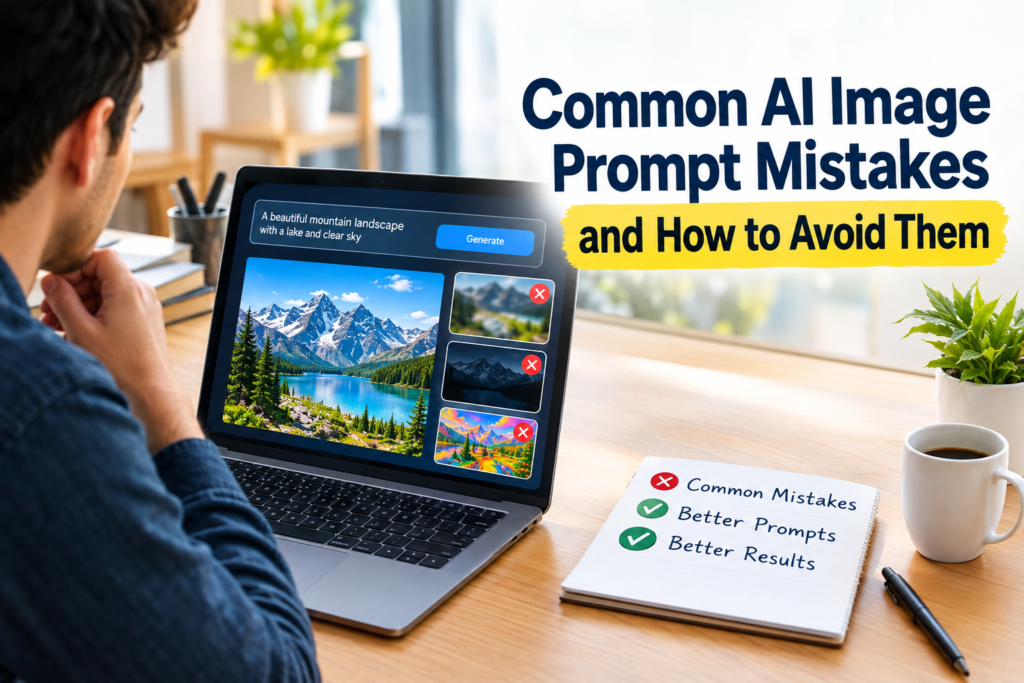
How to Create Better AI Image Prompts
The easiest way to avoid common AI image prompt mistakes is to create a simple routine.
First, decide what the main subject is. Next, describe where it is located. Then add important visual details. After that, choose the lighting and image style. Finally, think about composition and mood.
For example:
“A modern smartphone placed on a clean wooden desk in a bright home office, small indoor plant in the background, soft natural daylight, realistic technology photography, wide composition, clean and professional atmosphere.”
This prompt is specific without being unnecessarily complicated.
Final Thoughts
Learning how to write effective AI image prompts takes some practice. The most important thing I have learned is that better prompts are not necessarily the longest prompts. Good prompts are clear, focused, and relevant to the image you want to create.
Avoid being too vague, adding unrelated information, using conflicting instructions, or repeating unnecessary keywords. Remember to describe important elements such as the subject, background, lighting, style, composition, and mood.
If the first image does not look right, do not immediately assume that the AI tool is the problem. Look at your prompt and identify what needs to change. Make small adjustments and try again.
Once you understand these common AI image prompt mistakes, creating useful and attractive AI generated images becomes much easier. With regular practice, you can develop your own prompt writing style and create images that are much closer to the ideas you have in mind.