adsenservice
Related Articles


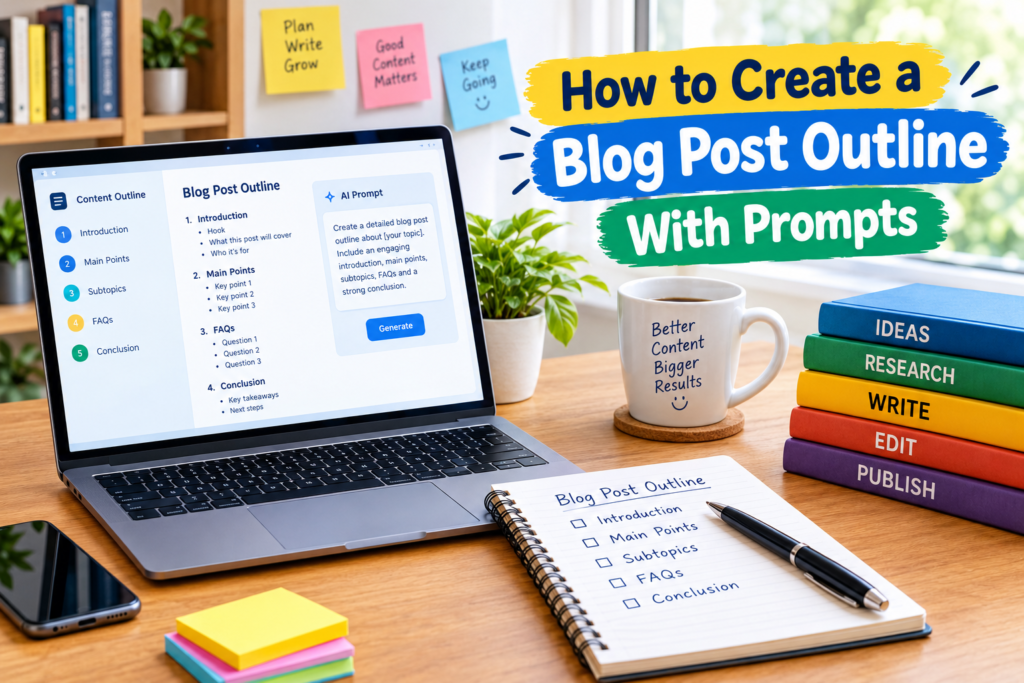
Writing a blog post becomes much easier when I know exactly what I want to cover before I start writing. Without an outline, I can easily move from one idea to another, repeat the same point, or forget an important part of the topic. This is why I consider a blog post outline one of the most useful steps in the content writing process.
Prompts can make this process even easier. With a clear prompt, an AI writing assistant can help organize ideas, suggest sections, identify questions readers may have, and create a starting structure for the article.
In my experience, the best results come when I use prompts as a planning assistant rather than allowing a tool to make every decision. I still review the suggestions, add my own knowledge, and make sure the outline fits the audience.
In this guide, I will explain how to create a blog post outline with prompts and how this simple process can help you write better content faster.
What Is a Blog Post Outline?
A blog post outline is a basic structure that shows what you plan to discuss in an article. It usually includes the introduction, main headings, subheadings, important points, frequently asked questions, and conclusion.
Think of an outline as a map for your article. It does not contain every sentence you will write. Instead, it tells you where the article is going.
For example, if I am writing about improving WiFi speed, my outline might include the common causes of slow WiFi, router placement, network congestion, device problems, software settings, and troubleshooting tips.
Having this structure in front of me makes the actual writing process much easier.
Why Create an Outline Before Writing?
One of the biggest benefits of creating a blog post outline is that it reduces confusion.
When I start writing without a plan, I sometimes spend too much time deciding what should come next. An outline removes much of that uncertainty.
A good outline can also help with:
Better organization
Faster writing
Improved readability
Less repetition
More complete coverage of a topic
Better keyword placement
Easier editing
A structured article is also easier for readers to scan. Clear headings allow visitors to quickly find the information they need.
Start With the Main Topic
The first step is choosing a clear topic.
Your topic should be specific enough that you know exactly what the article will discuss. For example, “Gardening” is extremely broad, while “How to Grow Vegetables in Containers” gives you a much clearer direction.
Once you have your topic, you can create a prompt around it.
A simple prompt could be:
“Create a detailed blog post outline about how to grow vegetables in containers for beginners. Include an introduction, main sections, practical tips, common mistakes, FAQs, and a conclusion.”
This gives the AI enough information to produce a useful starting point.
Define Your Target Audience
I believe audience information is one of the most important parts of a good prompt.
The same topic can require completely different outlines depending on who will read it.
For example, an article about website security for beginners should explain basic concepts. An article for experienced website owners can discuss more advanced subjects.
You can include audience information directly in your prompt.
Try:
“Create a beginner friendly blog post outline about website security. Assume the reader has basic computer knowledge but little experience with online security.”
This helps create sections that match the reader’s knowledge level.
Include the Search Intent
Search intent describes what a person wants when they search for something online.
Someone searching for “how to fix slow WiFi” probably wants a practical solution. Someone searching for “WiFi meaning” may simply want an explanation.
When creating an outline, think about what the reader expects to find.
You can ask:
“Create a blog post outline for people searching for practical solutions to slow WiFi. Focus on common causes, step by step troubleshooting, and prevention tips.”
This creates a more focused article structure.
Use Prompts to Find Main Sections
If you already know your topic but are unsure what sections to include, ask for possible main headings.
For example:
“Give me 10 useful H2 headings for an article about how to improve blog writing skills. Make each heading address a different reader need.”
The response can give you several options.
I recommend reviewing them instead of automatically using all of them. Some headings may overlap, while others may not be relevant to your article.
Choose the sections that provide the most value.
Ask for Supporting Subtopics
Main headings are only the beginning. You also need supporting points underneath them.
Suppose your main heading is “Common WiFi Problems.” Supporting topics might include weak signals, router placement, network congestion, outdated equipment, and interference.
You can use a prompt like:
“Under the heading ‘Common WiFi Problems,’ suggest five useful subtopics that explain different causes of poor WiFi performance.”
This can help you build a more detailed outline without starting from a blank page.
Create an SEO Focused Outline
SEO should support your content rather than control it.
When creating an SEO focused outline, identify the primary keyword and related terms that naturally belong to the topic.
For example, if your main keyword is “blog post outline,” related terms might include content outline, blog writing, article structure, writing prompts, content planning, and SEO content.
A useful prompt could be:
“Create an SEO focused outline for the keyword ‘blog post outline.’ Include related topics and questions readers may search for. Keep the structure natural and avoid keyword stuffing.”
This can help you create an article that covers the subject comprehensively.
Ask for Frequently Asked Questions
FAQs can be useful because they address specific questions readers may have after reading the main sections.
You can ask:
“List 10 common questions beginners may have about creating a blog post outline. Turn the most useful questions into FAQ headings.”
You do not need to use every question. Choose the ones that genuinely add value.
FAQs can also help you notice topics you may have forgotten to include in the main article.
Use Prompts to Avoid Repetition
One problem I often notice in long articles is repetition. Two headings may look different but actually explain the same thing.
You can ask an AI assistant to review your outline before writing.
For example:
“Review this blog post outline and identify sections that repeat the same information. Suggest ways to combine or reorganize them while keeping the article comprehensive.”
This can make the final article cleaner and easier to follow.
Create a Logical Flow
A good blog post should move naturally from one section to another.
Usually, I like to start by introducing the problem or topic. Then I explain the main information, provide practical steps or solutions, answer common questions, and finish with useful final thoughts.
The exact structure depends on the topic.
For a troubleshooting article, the flow might be:
Introduction
Why the problem happens
Basic solutions
Advanced solutions
Prevention tips
Common questions
Conclusion
For a guide, the structure might be:
Introduction
What you need
Preparation
Step by step process
Common mistakes
Helpful tips
FAQs
Conclusion
The goal is to make the reader’s journey logical.
Turn a Simple Prompt Into a Detailed Outline
If the first result is too basic, improve the prompt instead of starting again.
For example, a basic request might be:
“Create an outline about freelance writing.”
A stronger prompt could be:
“Create a detailed blog post outline about freelance writing for beginners. Include the skills required, how to create samples, finding clients, pricing basics, client communication, common mistakes, productivity tips, FAQs, and a conclusion. Keep every section focused on a different reader question.”
The second prompt provides clear instructions and gives the tool more context.
Add Your Own Knowledge
This is the part I consider especially important.
AI can suggest a useful structure, but your own experience can make the outline much better.
After generating an outline, read every section and ask yourself whether you have something useful to add.
Maybe you have solved the problem yourself. Maybe you know a common mistake beginners make. Maybe you have a simple method that saves time.
Add these ideas to the outline before writing the article.
This gives the final content a more natural and personal voice.
Do Not Make the Outline Too Complicated
An outline should make writing easier, not create another complicated task.
If every heading has ten subheadings, you may spend more time managing the outline than writing the article.
I usually prefer a simple structure with enough detail to guide the writing process without making it restrictive.
For a standard blog post, several strong main sections with useful supporting points are often enough.
The right length depends on the topic and the information readers need.
Use the Outline During Writing
Once your outline is ready, use it as a checklist.
Start with the introduction and move through each section. Focus on completing one section at a time.
Do not worry about making every sentence perfect during the first draft. Get the ideas onto the page first.
After the draft is complete, return to the outline and check whether you covered every important point.
This makes editing easier because you already have a structure to compare against.
Review the Outline Before Publishing
Before turning the outline into a final article, I recommend checking it for usefulness.
Ask yourself:
Does the outline answer the main question?
Are the sections in a logical order?
Does each heading provide something different?
Are important reader questions included?
Is the topic suitable for the intended audience?
Are keywords included naturally?
Does the conclusion provide a useful takeaway?
If the answer is yes, you have a strong foundation for the article.
Final Thoughts
Learning how to create a blog post outline with prompts can make the entire writing process more organized. Instead of staring at a blank page, you can begin with a clear structure and build your article section by section.
The most useful prompts provide context. Tell the AI your topic, audience, search intent, content type, and the information you want to cover. Then ask for headings, subtopics, FAQs, and ways to improve the structure.
From my point of view, prompts work best when they support your own thinking. I would not simply copy an automatically generated outline and start publishing. Review it, remove unnecessary sections, add your own knowledge, and make sure the structure answers the real needs of your readers.
Once you develop a good outlining process, you will likely find that writing becomes faster and more enjoyable. A few minutes spent planning can save much more time during drafting and editing, while also helping you create clearer and more useful blog posts.