adsenservice
Related Articles


Keeping business tasks organized can make a big difference in how smoothly a workday goes. When there are meetings, emails, deadlines, customer requests, projects, and daily responsibilities to manage, it is easy to forget something important. I have found that using the right business task management tools can make work much more organized and less stressful.
There are many productivity tools available today. Some are designed for simple to do lists, while others provide complete project management features for teams. The best tool depends on the type of work, the size of the team, and how complicated the tasks are.
In this article, I will discuss some of the best tools for organizing business tasks and explain the features I think are useful when choosing a productivity tool for business.
Why Business Task Organization Matters
Before choosing a task management tool, it is important to understand why organization matters. A business can have many small tasks happening at the same time. If these tasks are managed through memory, scattered notes, or different messages, things can quickly become confusing.
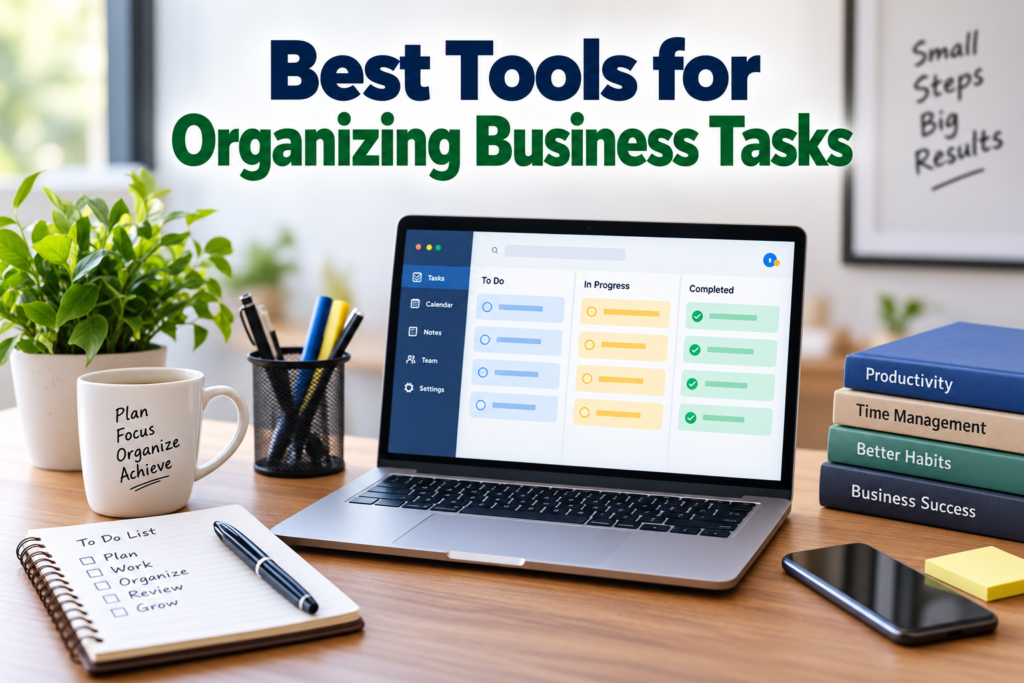
A good task organization system gives me one place to see what needs to be done, what is already in progress, and what has been completed.
It can also make deadlines easier to manage. Instead of remembering everything, I can create tasks, assign due dates, add notes, and review my work regularly.
For teams, organization becomes even more important because several people may be working on the same project.
What to Look for in a Business Task Management Tool
I believe a useful business task management tool should be easy to understand first. A tool may have hundreds of features, but if the interface is confusing, it can become another problem instead of a solution.
Some important features I look for include task creation, due dates, reminders, recurring tasks, priorities, notes, file attachments, calendars, and collaboration features.
For teams, task assignment is also important. Being able to assign a task to a specific person makes responsibility clearer.
Integration is another useful feature. If a task management tool works with email, calendars, cloud storage, or communication platforms, it can reduce the need to move information between different applications.
Trello for Visual Task Management
Trello is a popular choice for organizing business tasks through boards, lists, and cards. I find this style particularly useful when I want to see the progress of different tasks visually.
A typical board can contain columns such as planned, in progress, waiting, and completed. Individual tasks can then be placed into the appropriate column.
Trello can work well for content planning, marketing projects, product development, event planning, and many other workflows.
The visual structure makes it relatively easy to understand project progress at a glance. Teams can also use cards for descriptions, checklists, attachments, and other information.
Asana for Project and Task Management
Asana is designed for managing tasks and projects, making it useful for businesses that have more structured workflows.
Tasks can include descriptions, deadlines, responsibilities, and other project information. Teams can organize work into projects and track progress over time.
One thing I like about this type of platform is that it can provide a clearer picture of larger projects. Instead of having dozens of unrelated tasks, work can be organized according to projects, teams, or goals.
Asana can be useful for marketing teams, software teams, agencies, operations departments, and businesses managing multiple projects.
ClickUp for All in One Organization
ClickUp focuses on bringing several productivity features into one platform. Depending on the setup, businesses can use it for tasks, projects, documents, goals, calendars, and team collaboration.
For someone who wants many functions in one place, this type of tool can be attractive.
However, I think it is important to avoid turning a productivity tool into an unnecessarily complicated system. Businesses should start with the features they actually need and add more functionality gradually.
Todoist for Simple Business Tasks
Not every business needs a large project management platform. Sometimes a simple task list is enough.
Todoist is useful for creating tasks, organizing them into projects, setting due dates, and managing priorities.
I think simple task management tools can be especially useful for individuals, freelancers, small business owners, and professionals who mainly need help remembering daily responsibilities.
A simple interface can also make it easier to maintain the habit of checking tasks every day.
Microsoft To Do for Daily Organization
Microsoft To Do is another option for people who want a straightforward task management experience. It can be useful for creating daily task lists and organizing personal or work responsibilities.
For people already using Microsoft’s ecosystem, having a task tool that fits naturally into their existing workflow can be convenient.
I would consider this type of tool when my main requirement is managing individual tasks rather than complicated team projects.
Notion for Tasks, Notes, and Business Information
Notion is more than a traditional task management application. It can be used for notes, databases, project information, documentation, task lists, and knowledge management.
I find this approach interesting for businesses that want to keep related information together.
For example, a small company could create a workspace containing project tasks, meeting notes, content plans, procedures, and business information.
The flexibility is one of its biggest strengths, but it also means that users need to spend some time creating a structure that works for them.
Google Tasks for Simple Task Management
Google Tasks can be useful for people who want a basic task management system connected to their Google workspace.
For simple responsibilities, reminders, and personal organization, a lightweight tool can sometimes be all that is necessary.
I believe businesses should not automatically choose a complicated platform simply because it has more features. If a simple solution handles the actual requirements, it can be easier to maintain.
Monday.com for Team Workflows
Monday.com provides tools for managing projects, workflows, tasks, and team activities. Its visual approach can help businesses organize different types of work.
Businesses can create boards and customize them according to their workflow. This can be useful when different departments need different ways to organize information.
For example, a marketing team may track campaigns, while a sales team may organize customer related activities.
The important thing is to design the workspace around the actual business process instead of adding unnecessary fields and categories.
How to Choose the Right Business Task Tool
Choosing the right tool starts with identifying the actual problem.
If I only need a daily to do list, I would look at simple task management applications. If I am managing a team project with many dependencies, deadlines, and responsibilities, I would consider a more complete project management platform.
I would also consider the number of people using the tool. A system that works perfectly for one person may not be suitable for a team of twenty people.
Budget is another factor. Many productivity platforms provide free plans with limitations, while advanced features may require a paid subscription.
Keep Your Task System Simple
One mistake I see with productivity systems is making them too complicated.
A business task management system should make work easier, not create additional administrative work.
I recommend starting with a few basic categories such as important tasks, upcoming tasks, ongoing projects, and completed work.
After using the system for a while, it becomes easier to identify which additional features are genuinely useful.
Use Priorities Carefully
Task priorities can be helpful, but if everything is marked as urgent, priorities lose their meaning.
I prefer separating tasks according to their actual importance and deadline. A task that affects a customer deadline may require more attention than a task that can wait until next week.
Using priorities carefully can make daily planning much easier.
Set Realistic Deadlines
A task management tool cannot fix unrealistic planning.
When creating tasks, I try to estimate how much time the work actually requires. I also consider other responsibilities that may already be scheduled.
Setting a deadline for every task may look organized, but if the deadlines are impossible to meet, the system becomes frustrating.
Realistic deadlines are more useful than a long list of unrealistic commitments.
Review Tasks Regularly
Even the best productivity tool will not help if the task list is never reviewed.
I recommend checking tasks at the beginning or end of the workday. A weekly review can also help identify unfinished tasks, upcoming deadlines, and projects that need attention.
Regular reviews keep the system accurate.
Final Thoughts
The best tools for organizing business tasks are not necessarily the tools with the most features. The right choice depends on how a business works and what it needs to manage.
Tools such as Trello, Asana, ClickUp, Todoist, Microsoft To Do, Notion, Google Tasks, and Monday.com provide different approaches to business task organization.
From my point of view, the most important thing is consistency. A simple system that the team actually uses is more useful than a complicated system that everyone ignores.
Before choosing a tool, I would identify the main organizational problem, decide which features are necessary, consider the size of the team, and then test the available options.
Once a business has a clear system for organizing tasks, it becomes easier to track deadlines, divide responsibilities, manage projects, and keep daily work under control. The goal is not simply to have another productivity application. The goal is to create a practical workflow that helps people know what needs to be done and when it needs to be completed.