adsenservice
Related Articles


Learning has changed a lot because students now have access to tools that can make studying more organized, interactive, and convenient. From taking notes and managing assignments to practicing difficult subjects and improving writing skills, the right digital tools can support almost every part of the learning process.
In my view, however, tools should not replace actual learning. They should make learning easier and help students use their time more effectively. A student still needs to read, think, practice, ask questions, and review information. Technology simply provides extra support.
There are many learning tools available today, and choosing the right ones can sometimes feel confusing. In this article, I will discuss some of the best tools for students to improve their learning and explain how each type of tool can be useful in everyday study.
Why Learning Tools Are Useful for Students
Students often have to manage several subjects, assignments, exams, projects, and deadlines at the same time. Without a proper system, it is easy to forget an assignment or spend too much time on one subject.
Learning tools can help solve some of these problems.
A good study tool can help students organize notes, create study schedules, practice questions, understand difficult concepts, and track their progress.
The important thing is to choose tools based on your learning needs. You do not need dozens of applications. A small collection of useful tools can be enough.
Google Docs for Writing and Organizing Notes
Google Docs is a simple option for students who need to write assignments, class notes, reports, or research documents.
One thing I like about online document tools is that students can access their work from different devices. This can be useful when moving between home, school, college, or university.
Students can also organize documents into folders based on subjects. For example, you could create separate folders for mathematics, science, English, history, and other courses.
Google Docs also makes collaboration easier when students are working on group projects.
Notion for Study Organization
Notion can be useful for students who want to keep their academic information in one organized workspace.
You can create pages for different subjects, maintain assignment lists, store notes, create study plans, and track important deadlines.
For example, a student might create a study dashboard with sections for:
Today’s tasks
Upcoming assignments
Exam dates
Class notes
Important resources
Study goals
This can make it easier to see what needs attention.
I would recommend keeping the system simple. If you spend more time designing your study dashboard than studying, the tool is no longer helping.
Quizlet for Active Practice
Quizlet can help students practice vocabulary, definitions, concepts, and other information through digital study activities.
Flashcards can be especially useful for subjects that require memorization.
Instead of reading the same notes repeatedly, students can test themselves and try to recall information from memory. This type of active practice can make study sessions more engaging.
You can create your own flashcards based on your class notes or use existing study sets when appropriate.
The important thing is to understand the material rather than simply memorizing answers.
Khan Academy for Learning Difficult Concepts
Khan Academy provides educational lessons and practice materials across several subjects.
This type of resource can be useful when classroom explanations are not enough. If a student does not understand a mathematical concept, for example, an additional explanation or practice exercise may make the topic easier to understand.
I think supplementary learning resources are especially valuable when students use them to fill specific knowledge gaps.
Instead of watching hours of random educational videos, identify the exact concept you do not understand and search for a lesson that explains it.
Grammarly for Improving Writing
Grammarly can help students identify grammar, spelling, punctuation, and clarity issues in their writing.
This can be useful when preparing essays, reports, emails, applications, or other academic writing.
I recommend using grammar tools as learning assistants rather than simply accepting every suggestion. When the tool identifies a mistake, take a moment to understand why the sentence needs improvement.
Over time, this can help students recognize common writing problems themselves.
Microsoft OneNote for Digital Notes
Microsoft OneNote is another useful option for students who prefer digital note taking.
You can organize notes into notebooks, sections, and pages. This can make it easier to separate different subjects and topics.
Students can also combine written notes with images, lists, and other information.
For students who regularly lose paper notes or have difficulty keeping notebooks organized, digital note taking can provide a convenient alternative.
Google Calendar for Managing Study Time
Google Calendar can help students manage deadlines, classes, exams, and study sessions.
Time management is one of the most important parts of successful studying. Even a simple calendar can make a difference.
I recommend entering important deadlines as soon as you receive them. You can also schedule study sessions before an exam instead of waiting until the last day.
Breaking a large assignment into smaller tasks can make it feel much more manageable.
Anki for Spaced Repetition
Anki is designed around spaced repetition, a study approach that reviews information at planned intervals.
This can be helpful when students need to remember a large amount of information over a longer period.
For example, medical students, language learners, and students studying technical subjects may use flashcards to review terminology and important concepts.
The key is consistency. A small daily review can be easier to manage than trying to memorize everything immediately before an exam.
Canva for Educational Presentations
Canva can be useful for students who need to create presentations, posters, diagrams, or visual study materials.
Visual organization can make certain subjects easier to understand.
For example, a student could create a simple timeline for history, a process diagram for science, or a presentation for a class project.
However, attractive design should not become more important than accurate information. A simple presentation with clear information is usually better than a complicated design that distracts from the topic.
AI Tools for Study Support
AI tools can also support students in several ways. They can help explain difficult concepts, generate practice questions, summarize information, brainstorm ideas, and provide different explanations of a topic.
For example, instead of asking an AI tool to complete an assignment, a student could ask:
“Explain this concept in simple language and give me three examples.”
Or:
“Create five practice questions about this topic and provide the answers separately.”
I think this approach is much more useful because it encourages the student to participate in the learning process.
Students should also verify important information and follow their school’s or institution’s rules about AI use.
Focus and Productivity Tools
Studying is difficult when notifications, social media, and other distractions constantly interrupt your attention.
Productivity tools can help create dedicated study periods. Some students use timers, website blockers, or focus applications to reduce distractions.
A simple method is to study for a focused period, take a short break, and then return to the material.
The exact schedule does not have to be complicated. The main goal is to create a study environment where you can concentrate.
Tools for Language Learning
Students learning another language can benefit from dedicated language learning platforms.
Duolingo, for example, uses short lessons and practice activities that can make regular language study easier to maintain.
Language learning requires repetition, so short and consistent practice can be more useful than studying only occasionally.
Students can also combine language applications with reading, listening, writing, and conversation practice.
How to Choose the Right Learning Tools
With so many tools available, students should avoid downloading everything they see.
Start by identifying your biggest problem.
If you forget deadlines, use a calendar. If your notes are disorganized, try a digital note taking tool. If you struggle with memorization, consider flashcards and spaced repetition. If writing is difficult, use a writing assistant to identify areas for improvement.
The best learning tool is the one that solves a real problem without creating unnecessary complexity.
Do Not Let Technology Replace Studying
This is something I consider very important.
Learning tools can save time, but they cannot do the learning for you.
Watching an educational video is not the same as understanding a concept. Generating notes is not the same as remembering them. Reading a summary is not always enough to master a subject.
Students should use digital tools alongside traditional methods such as reading textbooks, taking notes, solving problems, practicing recall, and discussing topics with teachers or classmates.
Technology works best when it supports these activities.
Create a Simple Student Learning System
You do not need an expensive setup to improve your learning.
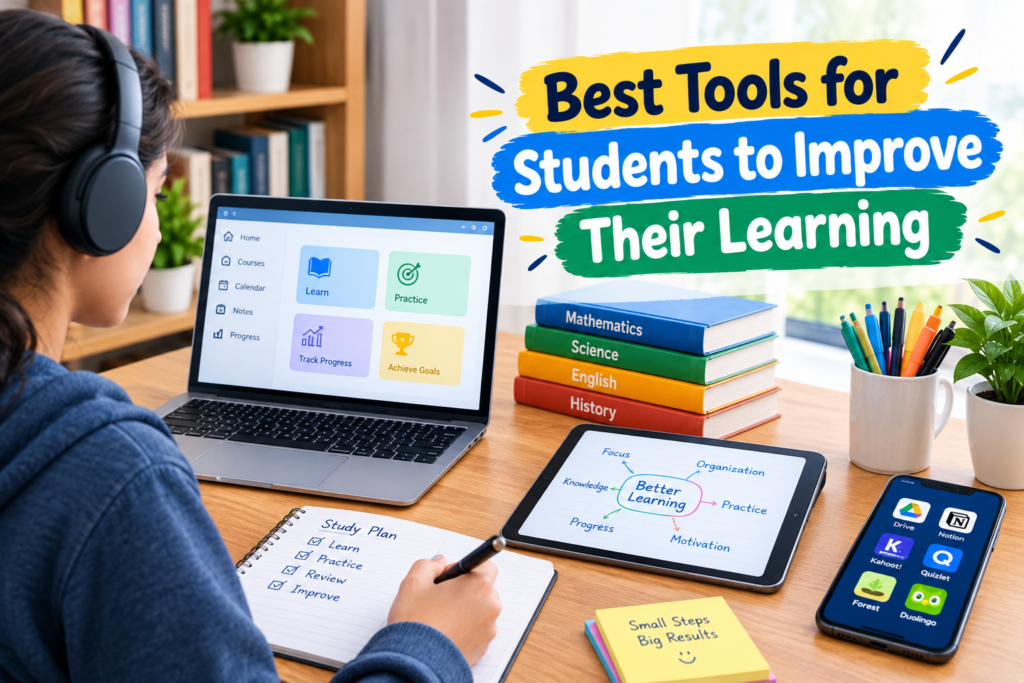
A simple system could include one note taking tool, one calendar, one flashcard application, a writing assistant, and a reliable educational resource.
For example, you could use Google Calendar for deadlines, Google Docs for assignments, OneNote for notes, Quizlet for revision, and Khan Academy for additional explanations.
The exact combination depends on your subjects and personal study habits.
Final Thoughts
The best tools for students to improve their learning are not necessarily the tools with the most features. The most useful tools are the ones that help students stay organized, practice consistently, understand difficult concepts, and manage their time.
From my point of view, students should start with their actual learning problems and then choose tools that provide practical solutions. There is no need to use ten different applications simply because they are popular.
Use technology to organize your work, test your knowledge, improve your writing, and find additional explanations when necessary. Most importantly, stay involved in the learning process yourself.
When used properly, digital learning tools can make studying more organized and efficient while helping students build better study habits that can benefit them throughout their education.