adsenservice
Related Articles



When I publish a blog post, I always pay attention to the featured image because it is usually the first visual element a reader notices. A well designed blog featured image can make a post look more professional, attract attention, and give readers a quick idea about what the article is about. In the past, creating a good featured image required graphic design skills and a lot of time. Today, AI tools have made this process much easier.
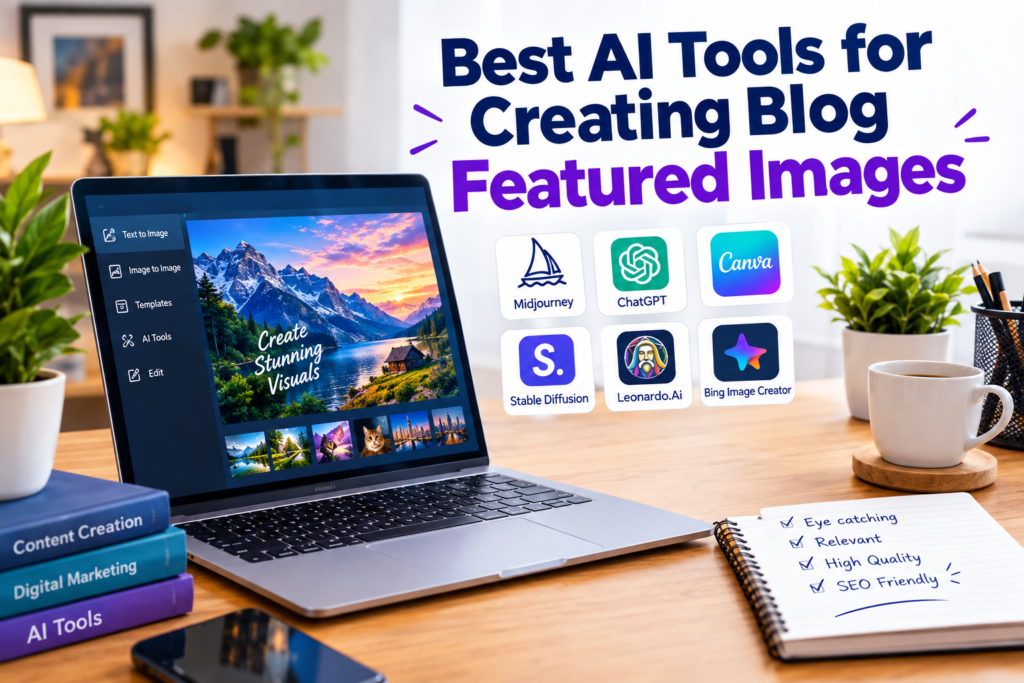
The best AI tools for creating blog featured images can help generate creative visuals from simple text prompts. Some tools are better for realistic images, while others are useful for adding text, editing designs, creating branded graphics, or producing social media visuals.
In my experience, the most important thing is not simply choosing a popular AI image generator. The right tool depends on the type of blog I am creating, the visual style I want, and how much editing I need after generating the image.
What Makes a Good Blog Featured Image?
Before choosing an AI tool, I think it is important to understand what makes a blog featured image useful.
A good featured image should immediately connect with the topic of the article. If I am writing about AI tools, for example, I would use a modern technology related visual instead of a completely unrelated stock style picture.
I also prefer simple designs because crowded images can be difficult to understand, especially when they appear as small thumbnails. A clean composition with one main subject usually works better.
The image should also have good quality and suitable dimensions for the website. For WordPress blogs, I normally create a wide image because it works well across blog layouts and social sharing platforms.
Most importantly, I try to maintain consistency. If all my blog images have a similar visual style, my website feels more professional and recognizable.
Why I Use AI for Blog Featured Images
The biggest advantage of AI image tools is speed. Instead of searching through hundreds of stock images, I can describe the visual I want and generate something specifically for my article.
For example, I can write a prompt describing a laptop showing an AI interface, a modern office environment, soft lighting, professional composition, and enough empty space for a title. The AI can then create a unique image based on that description.
Another advantage is flexibility. If I do not like the first result, I can change the prompt and create another version. This makes experimentation much easier.
AI also helps when I have a very specific blog topic that is difficult to represent with traditional stock photography.
1. ChatGPT Image Generation
ChatGPT is one of the AI tools I consider when I want to create a blog featured image without making the process complicated.
One thing I like about generating images through ChatGPT is that I can explain the idea in normal language. I do not always need to know complicated design terminology. I can describe the subject, mood, background, lighting, composition, and style.
For example, if my article is about AI writing tools, I can ask for a professional technology themed featured image with a laptop, creative workspace, glowing interface elements, and a clean modern background.
I also find this approach useful when I am already using ChatGPT to plan my article and prompts. I can develop the article idea and visual concept in the same workflow.
For bloggers who want a simple way to experiment with AI generated images, ChatGPT can be a practical option.
2. Canva AI
Canva is another tool I frequently consider for blog graphics because it combines image generation with traditional design features.
The main advantage for me is that Canva is not only an AI image generator. I can create a complete blog featured image and continue editing it after generating the visual.
This is particularly useful when I want to add a title, change the layout, adjust typography, or include branding elements.
For example, I might generate an AI image of a modern workspace and then place my blog title on top of it. I can also resize the design for different platforms without creating everything again.
Canva is especially useful for bloggers who want more control over the final design instead of using a completely generated image.
3. Adobe Firefly
Adobe Firefly is another AI image tool worth considering for professional visual content.
What I like about Firefly is the amount of control available when creating and editing images. I can describe the visual I want and experiment with different styles and compositions.
It can also be useful when I already have an image and want to make changes rather than starting from the beginning.
For bloggers who already work with Adobe tools, Firefly can fit naturally into an existing design workflow.
I would consider this tool when I want a polished visual and more editing flexibility for my blog featured images.
4. Midjourney
Midjourney is well known among AI image creators because of its ability to produce highly detailed and visually impressive artwork.
I would consider Midjourney when the visual quality and creative style are especially important. It can be useful for technology blogs, travel blogs, creative websites, lifestyle content, and articles where a strong visual impression matters.
The quality of the prompt can have a major impact on the result. Instead of writing something very general, I prefer describing the subject, environment, lighting, camera perspective, composition, and overall mood.
For bloggers who enjoy experimenting with creative visual styles, Midjourney can provide many possibilities.
5. Ideogram
Ideogram is particularly interesting when text inside an image is important.
This matters because AI generated text has historically been a difficult area for image generators. If I want a featured image containing a clear title or a poster style design, accurate text rendering becomes important.
I would consider Ideogram for blog graphics that depend heavily on typography, headlines, signs, posters, or other readable text elements.
However, I still prefer keeping the featured image simple. In many cases, I generate the visual first and add the final blog title using a design tool so I have better control over spelling, font size, and placement.
6. Leonardo AI
Leonardo AI is another option for bloggers who want to experiment with different visual styles and creative concepts.
I see tools like Leonardo AI as useful when I need more variety. Sometimes I want a realistic image, while another article might need an illustration or a futuristic technology concept.
The ability to experiment with different styles can help me create images that match different categories of blog content.
For websites that publish articles across several topics, having an AI image tool with creative flexibility can be useful.
How I Choose the Right AI Image Tool
I do not think every blogger needs to use every AI image generator. I usually choose the tool based on the specific project.
If I want a simple workflow, I might use ChatGPT.
If I want to create a complete graphic with text and branding, Canva can be useful.
If I need detailed editing options, Adobe Firefly is worth considering.
If I want a highly artistic visual, I might experiment with Midjourney.
If the design depends heavily on readable text, I would consider Ideogram.
If I want to explore different visual concepts and styles, Leonardo AI can also be an option.
The important thing is to test different tools and see which workflow feels comfortable for your own blogging process.
Tips for Creating SEO Friendly Blog Featured Images
Creating a beautiful image is only one part of the process. I also pay attention to how the image is prepared for my website.
First, I use a suitable file format and avoid unnecessarily large image files. Large images can increase page loading time.
I also give the image a descriptive file name before uploading it to WordPress. Instead of using a random name generated by the computer, I prefer a name related to the article topic.
Alt text is also important for accessibility and image understanding. I write descriptive alt text that explains what the image contains instead of filling it with repeated keywords.
I also make sure the image is visually relevant to the article. SEO is not only about adding keywords. A useful and relevant image creates a better experience for readers.
Common Mistakes I Avoid
One mistake I try to avoid is putting too much information into a featured image. A blog thumbnail should be easy to understand at a glance.
I also avoid generating images that look overly artificial when the article requires a professional or realistic appearance.
Another mistake is using the same generic AI image style for every article. Even though AI makes image creation easy, I believe every visual should have some connection with the topic.
I also avoid relying completely on AI without checking the final result. Sometimes AI generated images can contain strange objects, incorrect details, or visual elements that do not fit the article.
A quick review before uploading the image can prevent many problems.
Final Thoughts
The best AI tools for creating blog featured images can save a lot of time and give bloggers more creative freedom. Instead of depending completely on stock photography, I can now create visuals that are specifically designed around my article topics.
From my point of view, the best approach is to focus on the result rather than simply choosing the most popular AI tool. I look at image quality, editing options, text accuracy, ease of use, creative control, and how well the tool fits my blogging workflow.
ChatGPT, Canva AI, Adobe Firefly, Midjourney, Ideogram, and Leonardo AI all offer different approaches to AI image creation. The right choice depends on what kind of featured image I want to create.
For WordPress bloggers, AI can make the entire process of creating professional featured images faster and more flexible. With a good prompt, a clear visual idea, and some final editing, it is possible to create attractive images that make blog posts look more professional while also giving readers a better visual introduction to the content.